
Smartphone Battery Health: 5 Proven Tips for New Devices

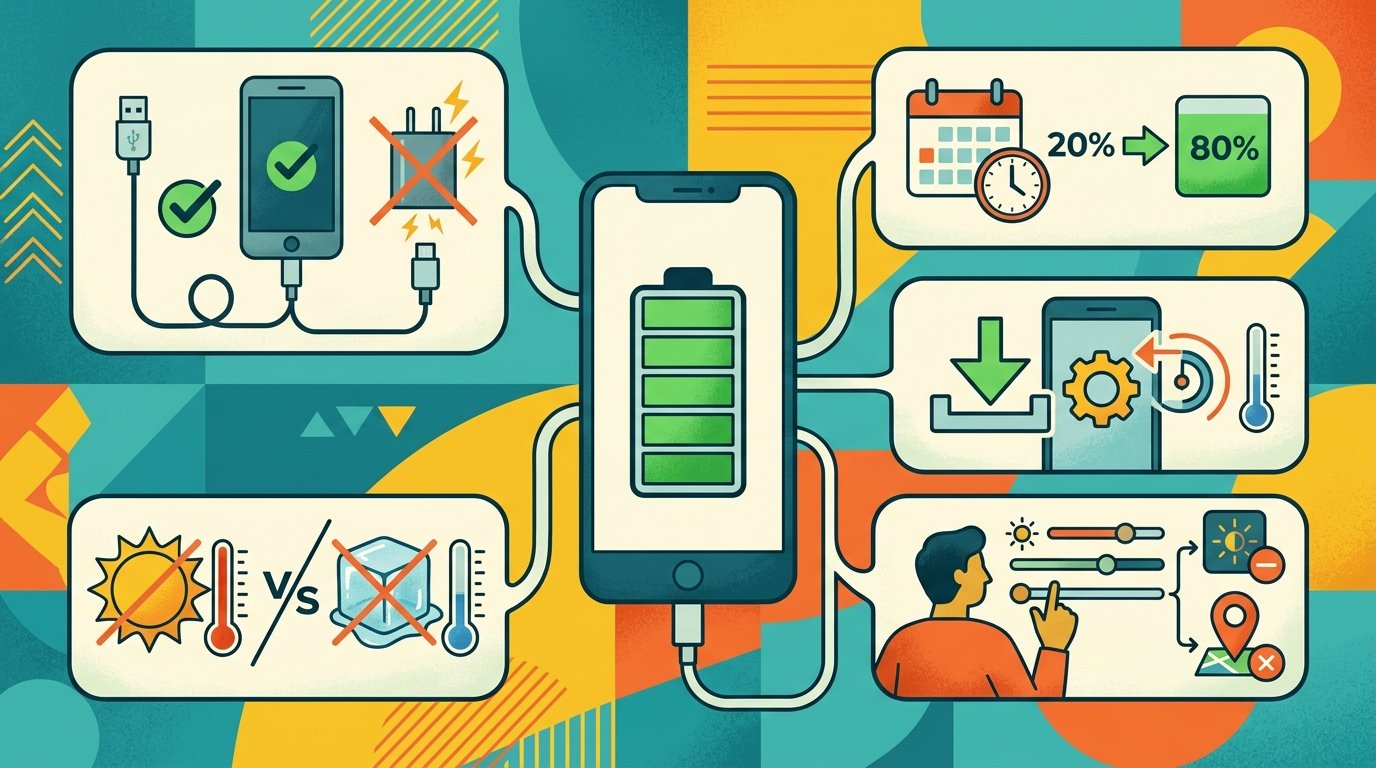
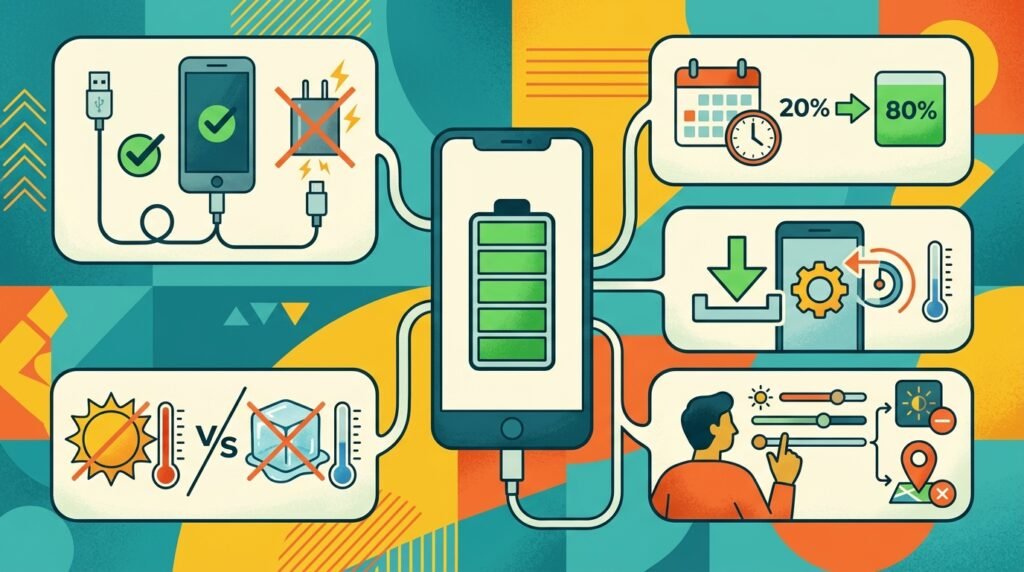
Smartphone battery health tips: The best time to start is when you take a new phone out of the box. Lithium-ion batteries naturally degrade over time, but with good charging habits and temperature control, you can extend the life of your cell and your daily screen-on time considerably.
Industry authorities and battery testing labs such as Apple Support, Samsung Care and Cadex Electronics’ Battery University agree there are five science-backed, actionable rules to protect your phone’s battery health.
1. Practice the 20–80% Rule
Smartphone battery wear is directly related to “full charge cycles”. This is one full cycle . It does not mean you have to use all the power at once , but 100 % of the battery ‘s capacity . Research indicates that chemical stress is greatest when a cell is heavily discharged (less than 20%) or held at maximum saturation (over 80%).
Plug in earlier When the battery level is down to about 20% plug in the charger. Deep discharges place the battery in a low voltage stress condition.
Don’t charge to 80-85%: Modern smartphones experience high internal voltage stress when charged to the last 15-20% of capacity.
Calibrate sparingly: A cycle to 100% once a month can help the operating system recalibrate the battery sensor but saturating to 100% daily accelerates wear.
2. Eliminate Thermal Stress
The No. 1 threat to lithium-based cells is heat. Temperatures above 35°C (95°F) leads to rapid electrolyte decomposition and irreversible capacity loss.
When charging, remove heavy protective cases Heavy protective cases trap heat from the environment when charging with high-wattage. This helps keep the phone cool down.
Stay off soft surfaces: Don’t charge your phone on beds, pillows or couches. Always place the device on a flat, rigid surface. Ensure ventilation is unobstructed.
Keep out of direct sunlight Never leave your device on the dashboard of a vehicle or in direct sunlight on hot days.
3. Avoid Intensive Tasks While Charging
There is a ‘parasitic load’ when you run demanding applications while the battery is being charged, and this can be damaging.
When you’re gaming at the top level, editing 4K video or streaming high-def content, while plugged in:
The battery is trying to absorb the incoming charge and is also discharging to provide power spikes.
The CPU/GPU generates heat, and the charging circuit also outputs heat, causing the internal temperatures to increase quickly.
If you need to make a long phone call or run demanding tasks, unplug the charger for a moment first.
4. Enable Built-In Battery Protection Settings
Newer versions of Android and iOS have smart software to help prevent voltage strain overnight.
iPhone: Settings > Battery > Battery Health & Charging. Turn on Optimized Battery Charging or set the 80% Limit (if available for your model). This prevents charging over 80% until just before your usual wake-up time.
On Android (Samsung, Google Pixel etc) : Settings > Battery > Toggle Battery Protection or Adaptive Charging on. These tools limit the charge to 80% or 85% so the cell doesn’t sit at high voltage all
5. Use Certified Charging Hardware
Cheap uncertified chargers often have badly regulated voltage converters and badly made surge protection. The inconsistent electrical supply stresses battery safety circuits and produces thermal spikes.
Use OEM charging bricks or third-party accessories that are reputable and certified by USB-IF (for USB Power Delivery) or MFi (Made for iPhone).
Save ultra fast chargers (65W, 100W or more) for emergency top-ups. Moderate wattage will give you cleaner power with less heat generation for everyday overnight or desk charging.
Common Battery Myths vs. Reality
| Common Myth | Technical Reality |
| “You must charge a new phone for 8–10 hours first.” | False. This applied to older Nickel-Cadmium batteries. Modern Li-ion batteries require no initial conditioning. |
| “Let the battery drain to 0% before recharging.” | False. Full depletion causes chemical strain and can trigger safety cut-off mechanisms. |
| “Force-closing all apps saves battery life.” | False. Modern operating systems efficiently freeze background apps. Force-quitting and reopening them uses more CPU cycles and battery power. |