
Smartphone Data Security: 9 Things to Do Now

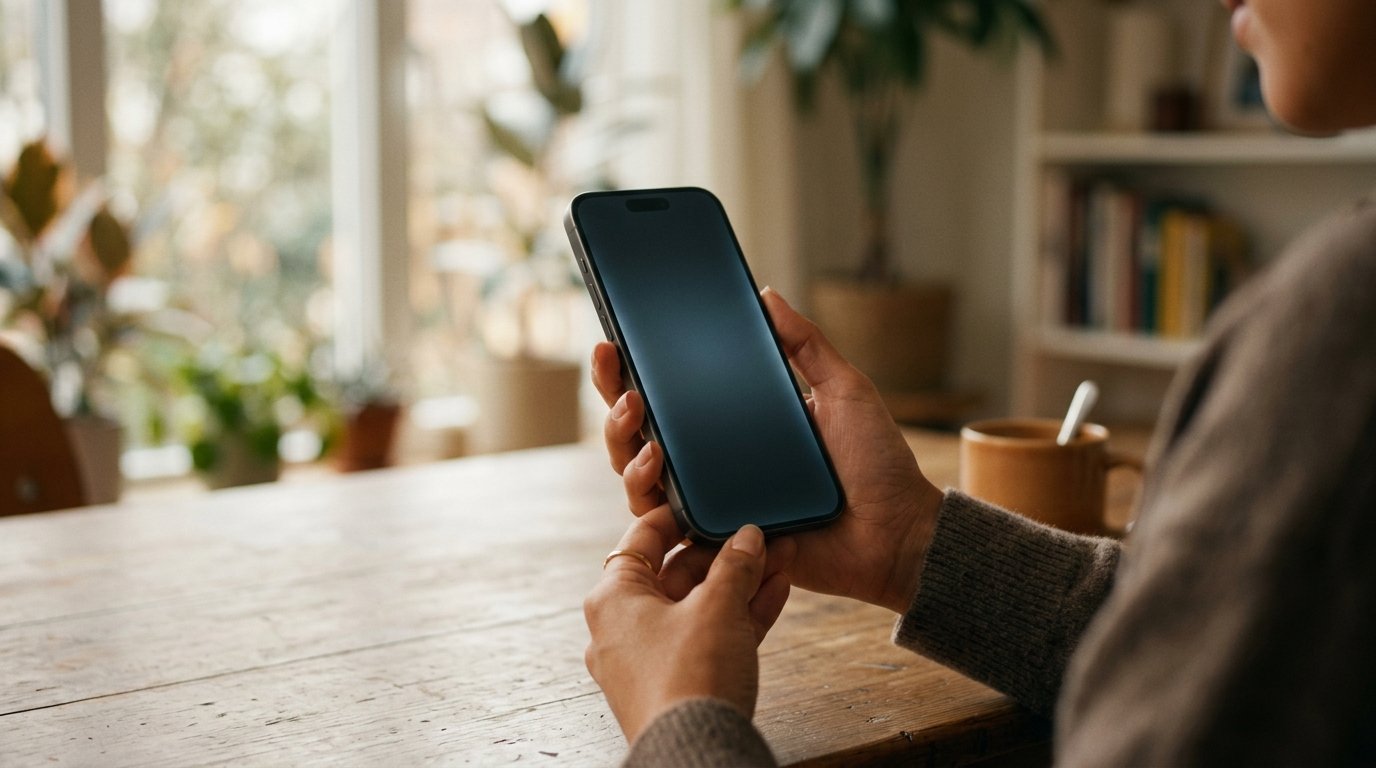
A smartphone is no longer just a phone and a camera. It can hold personal pictures, emails, social media accounts, important documents, passwords and financial information. That’s why smartphone data security should be a priority before you lose or have your phone stolen.
The good news is that you can take some precautions to improve your smartphone data security before anything happens. Here are 9 things you can do right now to help protect your smartphone & personal info.
1. Make a Strong Screen Lock
Your screen lock is the first line of defense. Avoid obvious PIN numbers such as 1234 or your birthdate or any number that is easy to guess.
Use a stronger PIN or passcode, if possible. While Fingerprint or Face Unlock might be more convenient ways to get in, you should still have a strong PIN or passcode as your first layer of security.
2. Turn on Find My Device / Find My
Keep your eyes on your phone, so you don’t lose it.
Android: Use Find My Device/Find Hub Use Find My on your iPhone They can also help you find a lost phone, lock it remotely and, if necessary, erase its data.
Don’t wait until you lose your phone to think about this setting. Get it ready to use.
3. Enable two-factor authentication
Enable two-factor authentication (2FA) in important accounts like Gmail, Facebook, Microsoft and Apple Account.
2FA means your password isn’t enough. This extra layer of security means that if someone knows your password, they can’t get into your account.
4. Update your phone and your apps
Software updates are not just about new features. They tend to have security patches for known vulnerabilities .
Update your phone’s operating system and any apps you have installed. Don’t wait to update your security, especially on anything that has important personal information.
5. Back up critical data
Losing a phone is annoying, but losing years of photos, contacts and important documents is also annoying.
Always back up important files using Google Photos, iCloud or another reputable cloud service.
Think about files that would be hard or impossible to get back if you lost your phone.
6. Check Out Apps Before You Install Them
Never install APK files or apps from untrusted sites unless you have a good reason to do so and know what you’re installing.
Where possible, download apps from trusted stores, such as the Google Play Store or Apple App Store. Before you install an app, check out the developer, the permissions the app requires and read recent user reviews.
Get rid of the apps you don’t use anymore.
7. Look at app permissions
Not every app needs to see everything on your phone.
For example, a simple calculator app should never request access to your contacts or microphone. Go into your phone settings and see what apps have permission to access your Camera, Microphone, Location and Contacts.
If an app doesn’t need a permission, don’t give it.
8. Watch out for free Wi-Fi
Free Wi-Fi can be useful at cafes, hotels, airports and other public places, but beware when connecting to unknown networks.
Don’t do sensitive activities like banking or financial transactions over public Wi-Fi networks you don’t know. In these situations mobile data can be safer.
Turn off the auto connect to any Wi-Fi network setting on your phone.
9. Don’t store passwords or bank details in notes
Some people store passwords, PINs or banking information in a Notes app, screenshot or plain text file for convenience.
This information could be a huge security threat if this phone falls into the wrong hands. Accounts require strong unique passwords. If you have lots of passwords to remember then a good password manager might be for you.
Protect your data
Sometimes a smartphone can be lost or stolen with no way to prevent it. But you can lessen the damage by planning ahead.
Strong screen lock, device tracking, 2FA, regular backups, software updates and careful permission management are important parts of smartphone data security.
Spend a few minutes today to review these nine security steps. “it’s easier to prepare your phone before you lose it, than to pay the consequences after it’s gone.







4 Comments
[…] has already changed the way we search for information, write content and solve everyday problems. Now, with its AI, […]
[…] HONOR Magic9 Pro Max is a brand new flagship smartphone that is heavily focused on mobile photography and video creation. The phone was […]
[…] there are ways to fight unwanted calls on Android phones and iPhones. Make a few tweaks and you can identify suspected spam and block certain numbers, as […]
[…] HONOR X9d review is about three major aspects including durability, battery life and display quality. It also features a 6.79-inch 1.5K OLED display, a Snapdragon 6 Gen 4 chipset and a 108MP primary […]
Comments are closed.