ফোনে AI এজেন্ট: কীভাবে তাদের ব্যবহার করবেন — শিক্ষানবিশদের গাইড


ফোনে AI এজেন্টরা গ্রহণ করছে মোবাইল প্রযুক্তি স্ট্যাটিক ভয়েস অ্যাসিস্ট্যান্ট থেকে শুরু করে স্বায়ত্তশাসিত সিস্টেম যা বহু-ধাপের সমস্যার সমাধান করতে পারে । স্মার্টফোনগুলি দীর্ঘদিন ধরে আমাদের দৈনন্দিন ডিজিটাল বিশৃঙ্খলা – দ্রুত উত্তর, সিঙ্ক করা ক্যালেন্ডার, অন-দ্য-ফ্লাই অনুসন্ধানের ফলাফলগুলি পরিচালনা করেছে – তবে এখন এজেন্টরা আপনার পক্ষ থেকে অ্যাপ জুড়ে কাজগুলি পরিকল্পনা এবং সম্পাদন করে ।
একটি ঐতিহ্যবাহী Q থেকে ভিন্ন
আপনি নেটিভ অ্যান্ড্রয়েড/আইওএস ফিচার বা বিশ্বস্ত থার্ড-পার্টি অটোমেশন অ্যাপ ব্যবহার করছেন না কেন, এই শিক্ষানবিশ নির্দেশিকা আপনাকে আপনার নিরাপত্তা বা গোপনীয়তার সাথে আপস না করে কীভাবে আপনার স্মার্টফোনে এআই এজেন্ট সেট আপ করবেন তা শেখাবে ।
সম্পর্কিত বিষয় এআই এজেন্ট: এটি কী, এটি কীভাবে কাজ করে এবং কেন এটি গুরুত্বপূর্ণ
কিন্তু ফোনের AI এজেন্টরা আসলে কী করতে পারে?
একজন এজেন্ট কী করতে পারেন তা নির্ভর করে প্ল্যাটফর্ম, ডিভাইসের হার্ডওয়্যার এবং আপনি যে অনুমতি দেন তার উপর । স্ট্যান্ডার্ড অ্যাসিস্ট্যান্টরা একবারে এক প্রম্পট উত্তর দেয়, যখন মোবাইল এজেন্টরা আরও জড়িত ওয়ার্কফ্লো চালায়:
- ক্রস-অ্যাপের সময়সূচী — একটি ইমেল বা স্ক্রিনশটে একটি ভ্রমণপথ দেখুন এবং আপনার ক্যালেন্ডারে স্ট্রাকচার্ড ইভেন্ট রিমাইন্ডার যোগ করুন
- স্মার্ট তথ্য সংশ্লেষণ — ওয়েব গবেষণা সমষ্টি, স্থানীয় বা ক্লাউড ডকুমেন্টের সারসংক্ষেপ এবং কার্যক্ষম চেকলিস্ট তৈরি
- যোগাযোগের খসড়া — লাইভ থ্রেডের উপর ভিত্তি করে প্রাসঙ্গিক ইমেল এবং চ্যাট উত্তর তৈরি করা
- স্বয়ংক্রিয় ডেটা সংস্থা — মোট রসিদ, ব্যয়ের লাইন আইটেম বা রিজার্ভেশন নম্বর স্প্রেডশিটে টেনে আনা
প্রধান পার্থক্য: কিছু মোবাইল এআই সরঞ্জাম কেবল পরবর্তী পদক্ষেপের সুপারিশ করে । আপনার অনুমোদনের মাধ্যমে – সমর্থিত অ্যাপগুলিতে সত্যিকারের এজেন্টিক ওয়ার্কফ্লো কাজ করে ।
মোবাইলে AI এজেন্ট বা AI অ্যাসিস্ট্যান্ট?
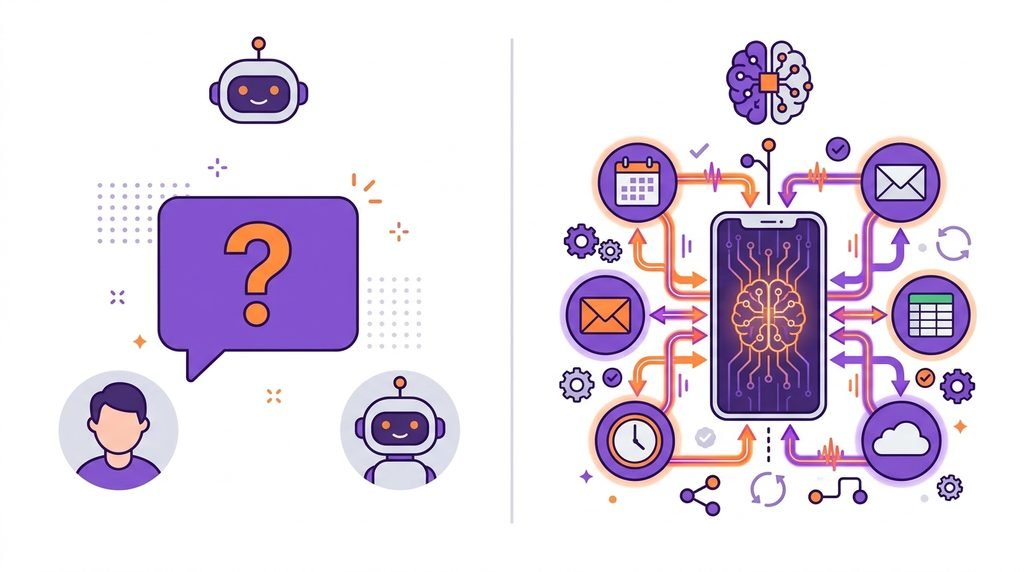
| বৈশিষ্ট্য | স্ট্যান্ডার্ড মোবাইল AI অ্যাসিস্ট্যান্ট | মোবাইল এআই এজেন্ট |
|---|---|---|
| প্রাথমিক মিথস্ক্রিয়া | একক পালা প্র | পরিকল্পনা করা এবং বহু-পদক্ষেপের কাজগুলি সম্পাদন করা |
| টুল ব্যবহার | স্বতন্ত্রভাবে নেটিভ কমান্ডে সীমাবদ্ধ | একাধিক অ্যাপ, এপিআই এবং ওয়েব টুল জুড়ে সমন্বয় করে |
| স্বায়ত্তশাসন স্তর | প্রম্পট-বাই-প্রম্পট নির্দেশিকা অপেক্ষা করছে | আধা-স্বায়ত্তশাসিত - একটি নির্দিষ্ট লক্ষ্য অর্জনের জন্য একটি পরিকল্পনা তৈরি করে |
| মানুষের ইনপুট | প্রতিটি বিচ্ছিন্ন কর্মের জন্য প্রয়োজন | শুধুমাত্র পর্যালোচনা বা নিশ্চিত করতে চেকপয়েন্টগুলিতে হস্তক্ষেপ করে |
মোবাইল এআই এজেন্ট দিয়ে শুরু করার 5টি উপায়
1. আপনার OS এর জন্য সঠিক টুলটি বেছে নিন
Start with official, vetted platforms. Check if your device has native on-device capabilities, such as Google Gemini Nano/Live extensions on Android or Apple Intelligence on iOS, or a well-regarded third-party productivity agent. Check the OS versions it supports, the developer credentials it requires, and the specific mobile features it offers. Many desktop agents aren’t fully automated on mobile.
2. Start With Small, Isolated, Low-Risk Tasks
Don’t start with banking, sensitive files or live messaging. Run the system with a low-stakes self-contained prompt:
“Create a Saturday afternoon itinerary using these four errands. Sequence them by logical driving distance, include lunch, and present the final plan for my review before adding anything to my calendar.”
Keeps the model in a box, so you can judge its logic before you trust it with anything that matters.
3. Apply the Principle of Least Privilege
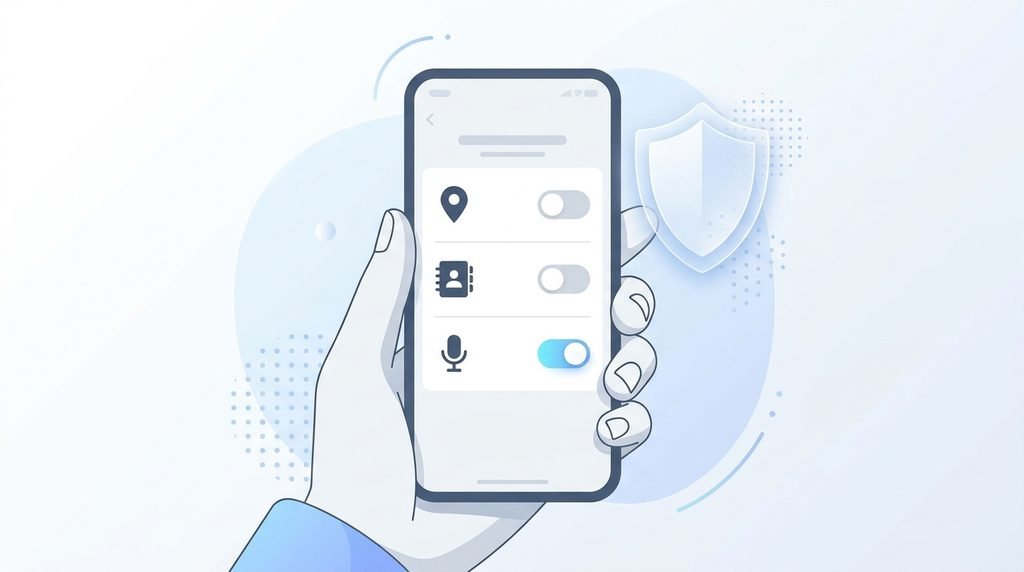
Provide least privilege necessary to accomplish current task. An agent that organizes notes or drafts summaries does not require background location access, SMS permission or contact list read/write privileges. Turn off optional integrations until you have a need for them.
4. Check before running
Always check Human-in-loop. If an agent has write access to your email, cloud storage or social apps, set it up to draft or dry run first. Review:

- Recipient addresses and file locations
- Reality of generated data
- Excluding private tokens, passwords, or personal identity records
- The simplicity of undoing the requested action.
5. Verify the Final Output
A completed task notification does not necessarily mean perfect execution. If the agent pulled web data, spot check citations. Check time zones and date if it changed a spreadsheet or calendar slot. Keep a short log of automated workflows for easy reference.
AI Automation on Mobile: Essential Security Checklist
There is sensitive data on your phone – work emails, banking apps, two-factor authentication codes and personal photos. Safeguarding this environment requires deliberate guardrails:
- Download only from official app stores. Do not sideload unknown APKs or unverified beta profiles with third-party agent functionality.
- Do not put secrets in prompts. Do not copy and paste API keys, credentials, account PINs, or one-time passcodes (OTPs) into prompts.
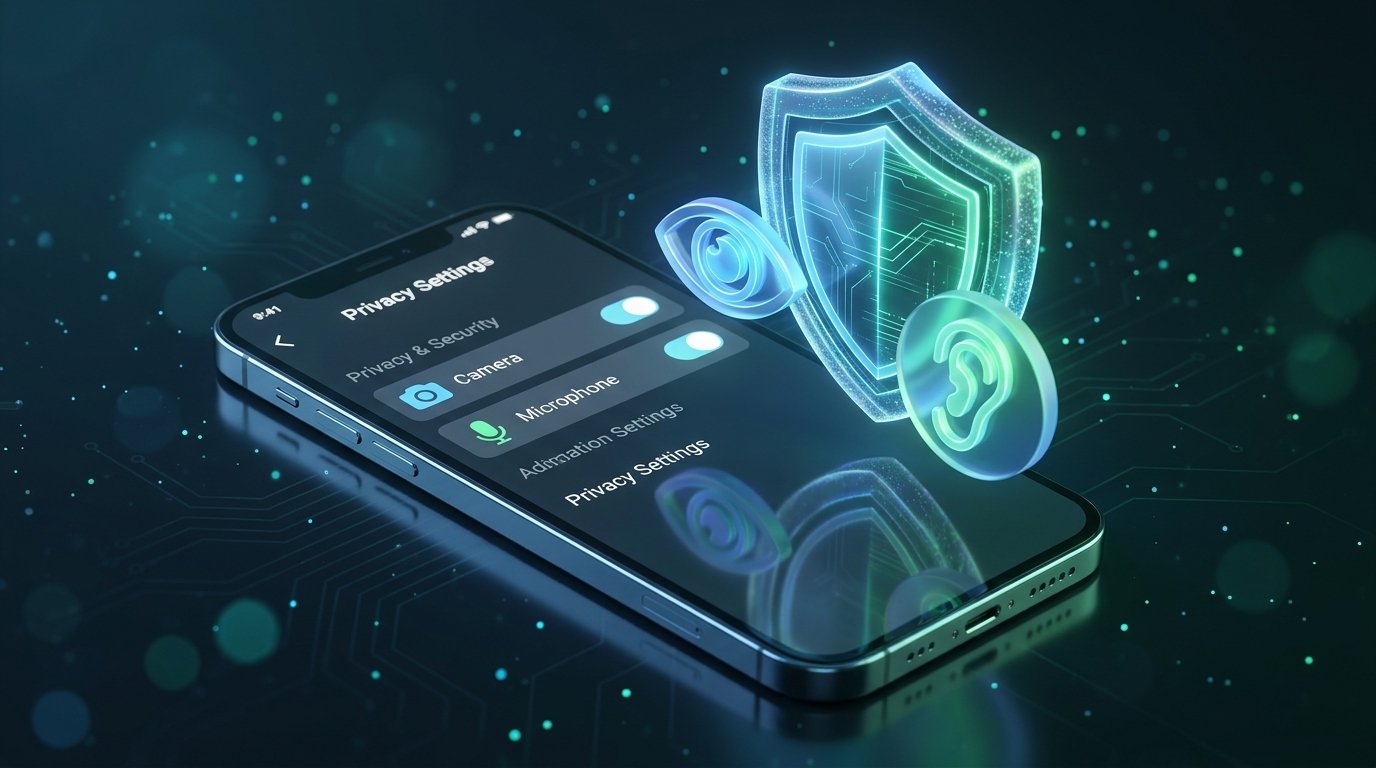
- Check app permissions regularly. Check the privacy settings of your device each month and delete any agents and companion apps that you no longer use
- Make multi-factor authentication (MFA) available. Protect each service your mobile agent connects to with hardware keys or authenticator apps.
- Verify the data retention settings. Check the privacy dashboard of the developer to opt-out your prompts and personal files from being used for model training.
The Truth Limitations
“AI agents on phones are improving fast, but they are not yet dependable for critical work:”
- Latency. Multi-step tasks requiring multiple model calls may seem slow, especially on older devices.
- Dependability.Agents that interact with real app interfaces might fail unpredictably when apps update or behave in unexpected ways.
- Ecosystem holes. Adoption is increasing but sporadic, with seamless automation dependent on apps exposing their capabilities.
Leverage agents as productivity accelerators for low-stakes work, but not as substitutes for your judgment on anything sensitive.
Judgment
AI agents on phones offer a legitimate leap forward from passive voice commands, freeing you from repetitive cross-app routines. But efficient automation isn’t about relinquishing total control — it’s about speeding up workflows while still owning your data and decisions.
Begin with a small setup, maintain strict permissions, and incrementally develop your mobile agent stack.







5 Comments
[…] to agents and want to set one up on your device? Read our practical guide to AI agents on phones for step-by-step setup, permission checks, and security […]
[…] this review of Kling 3.0, we look at whether Kuaishou’s AI video model is ready for commercial use. Creating professional-looking videos takes time — particularly for small businesses, online […]
[…] My take: If you spend your whole day in Gmail and Docs, go for Gemini. If you’re the kind of person who’s always moving between Slack, Notion and a dozen tabs, ChatGPT’s flexibility will be more your style. For a deeper dive, check out our guide on AI Agents on Phones: How to Use Them. […]
[…] You can also explore how AI assistants are becoming more useful on smartphones in our guide to AI Agents on Phones: How to Use Them. […]
[…] If you want to learn more about how AI assistants work on mobile devices, read our guide on AI Agents on Phones: How to Use Them. […]
Comments are closed.