
Kling 3.0 Review: 4K Video, Pricing & Limits


In this Kling 3.0 review, we’ll take a look at whether Kuaishou’s AI video model is ready for commercial use. It takes time to produce professional looking videos, especially for small businesses, online sellers and content creators who need to produce fresh content on a regular basis. AI video generators are supposed to make this easier by turning text prompts or reference images into video clips.
Kling is one of the platforms battling for space in this space. The VIDEO 3.0 series offers multi-shot generation, optional native audio and high-resolution video output. In this Kling 3.0 review we cover the main features, pricing, possible use cases, limitations and considerations for commercial use.
Is Kling 3.0 good for commercial video production or better for experimentation? This review is based on product information and third party testing published. It does not claim to test each feature in isolation.
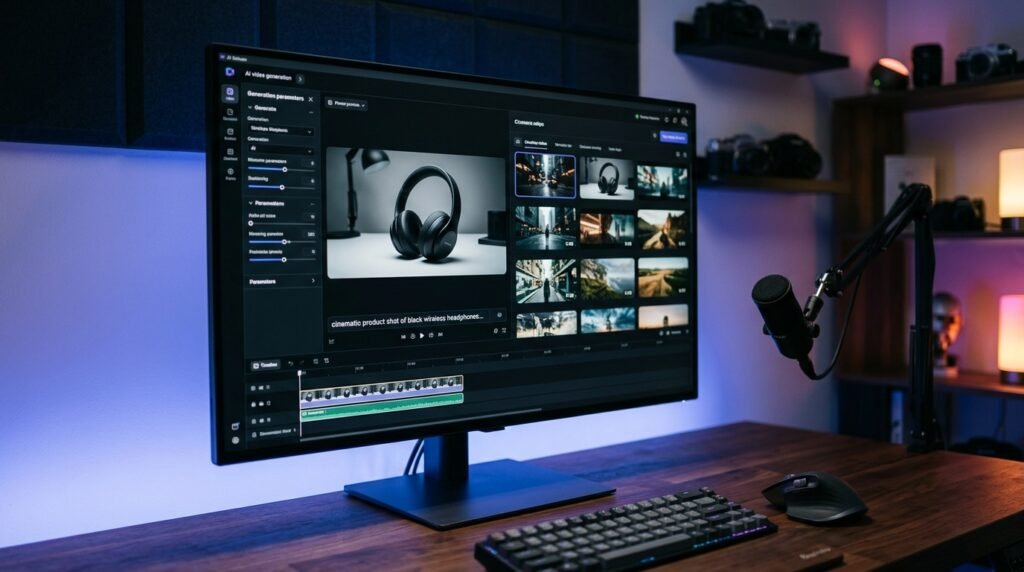
1. What is Kling On 3.0?
Kling 3.0 is an AI video generation model that generates videos from text prompts or reference images. Instead of filming each scene manually, users can create a clip by describing a subject, action, camera movement, and visual style.
The model is intended for creative work such as:
- short videos for social media
- Showcase clips of product
- Advertising ideas
- Cinematic B Roll
- Image story telling
- AI generated character scenes
Results vary depending on the prompt, input images, generation mode and model settings. As with other generative video tools, output may require multiple attempts and additional editing.
2. Main features of Kling 3.0
Native 4K video shooting
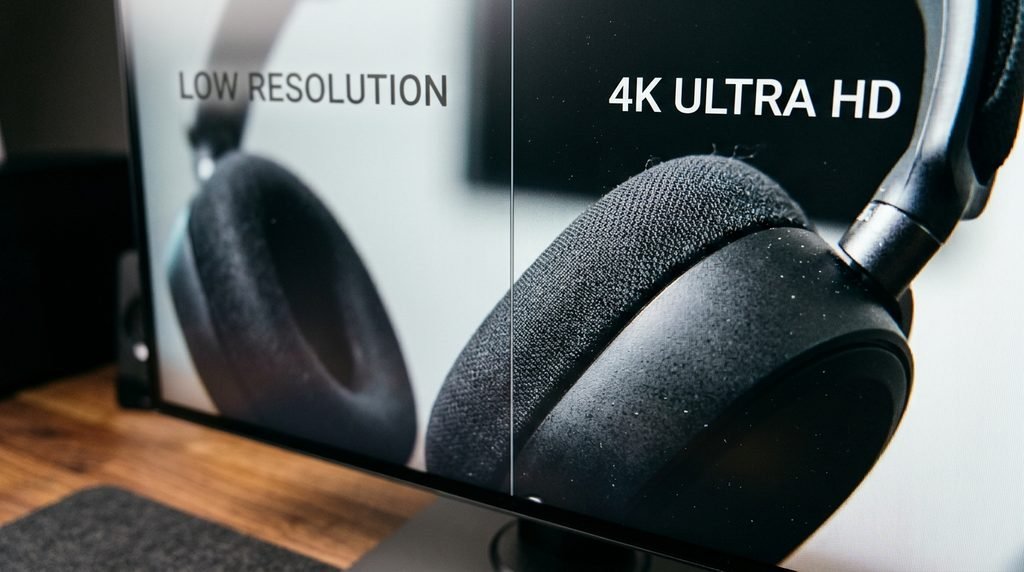
The API pricing confirms that 4K is a native output, not an upscale. On April 23, 2026, Kling officially launched native 4K video generation. The feature’s existence is no longer in question. The caveat about inconsistent quality, however, is that 4K resolution does not guarantee consistent textures, accurate object shapes, natural movement, or correct fine details.
Higher-resolution content retains more visible detail than lower-resolution content when viewed on a large screen or in an HD production workflow. This is useful for product videos, brand presentations and other projects where visual clarity is important.
But 4K resolution does not automatically mean perfect quality. A video can still have inconsistent textures, distorted objects, unnatural movement, or inaccurate details.
Before you use a generated clip in a commercial setting, review the final output at the size at which it will appear. Pay special attention to small product details, logo, text and moving hands. Also, make sure your model and subscription support native 4K — not all generation modes support the same resolution.
Video Generation, Multi-Shot
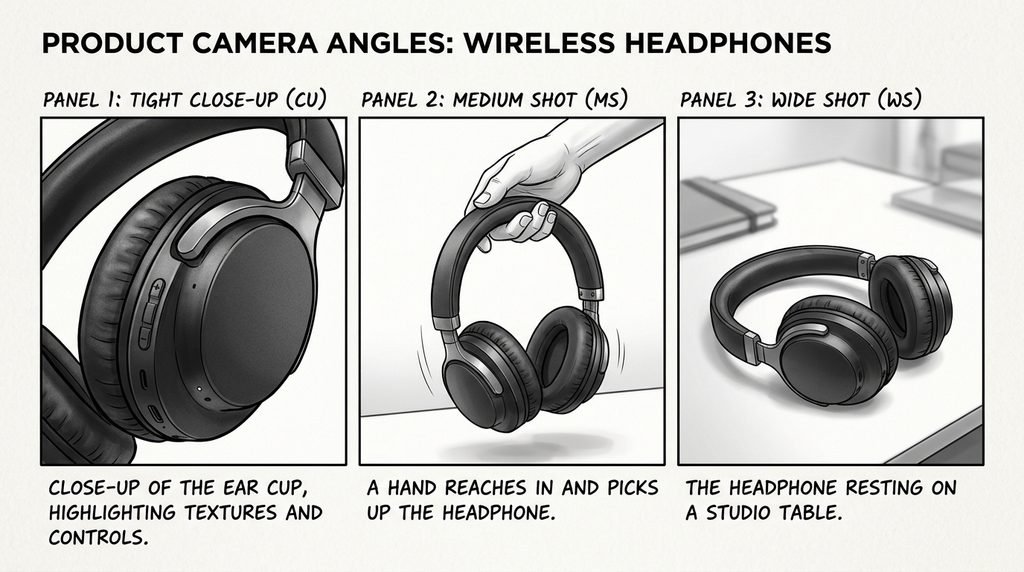
It is a true multi-shot generation feature. VIDEO 3.0 series lets you create continuous video up to 15 seconds long . Length ranges from 3 to 15 seconds . Creatives can also stitch together a short sequence of related shots, for example, a product ad with a close-up of the product, a wider shot of a person using it, and a final shot of the product in its environment.
Chase Jarvis did independent testing and found that multi-shot “worked seamlessly” when using the Elements feature to keep the product consistent between shots, with a hoodie staying the same between a close-up and a wide shot. But continuity is not guaranteed. The look of the product, lighting, character identity and background details may differ from shot to shot. Check each transition before you use a clip in a final ad.
More Natural Movement
Quality of motion is important as small errors make AI generated video look artificial – hands interacting with objects, fabric moving with a person, liquid being poured, characters moving through a scene.
Third-party assessments can be useful sources of evidence about performance, but results will depend on the prompts, test samples and scoring methods used. They should not be seen as a promise that ALL generations will look realistic. You still need to check hands, fingers, object contact and complex physical interactions carefully.
You’ll get the best results if you keep the action simple and don’t ask the model to do a bunch of unrelated motions in one shot.
Text-to-Video and Image-to-Video
Kling supports text-to-video and image-to-video flows.
Text-to-video is you describe the scene. You provide the model with a reference image and tell it to animate it in image-to-video. Image to video is also useful if you have a product image, character design or visual idea that you want to animate.
For product marketing, a clean reference image with a simple motion instruction might be a more controlled starting point than a long, complex prompt.
Native Audio Choices
Kling VIDEO 3.0 also features generation modes with native audio. Depending on the chosen mode the system can also output sound along with video.
This can minimize the need to source each sound effect separately, but check audio quality and sync before publication. If you plan to use a video editor to add music, narration and sound effects, you might save money by creating the footage silent. Before you make a big batch, check the credits you need for your preferred audio settings.
3. Kling 3.0 vs. Alternative AI Video Software
Kling isn’t the only way to generate AI video. Like Google’s Veo and Runway, Sora also caters to creators with different workflows and capabilities.
| Tool | What to consider | Potential use |
|---|---|---|
| Tool Considerations Potential use VIDEO 3.0 Kling | Multi-shot workflows, Motion, High-res modes | Short videos and product ads |
| OpenAI Sora | Video generation features and creative workflow now available | Visual storytelling and creativity |
| Google Veo | Video quality, motion, audio and generation settings | B-Roll & Cinematic scenes |
| Runway | Creative controls and editing workflow | More control of production and editing |
Features, maximum durations, resolutions and access conditions are subject to change. This comparison is a useful starting point, not a claim that one model will always outperform the others.
Generate comparable clips with the same prompt before selecting a tool and evaluate motion, visual consistency, prompt adherence, generation time and cost.
4. Kling 3.0 Pricing: What Can You Expect?
Kling has a credit-based system. The total cost depends on the subscription, the model selected, the length of the video, the resolution, and whether audio or other features are activated. For the latest pricing details and credit requirements, see the official Kling VIDEO 3.0 Credit Cost Guide.
Sample plans from published membership information are:
| Plan | Promotional monthly price | Listed monthly credits |
|---|---|---|
| Standard | $6.99 | 660 |
| Pro | $25.99 | 3,000 |
| Premier | $64.99 | 8,000 |
The prices shown here are promotional and from the published pricing guide, they are not guaranteed prices for each user. Renewals, taxes, availability and plan benefits may vary. Please go to the official membership page before subscribing.
How many credits does a video take?
In the official guide of VIDEO 3.0 you will find different credit rates for the different modes:
| Generation mode | Listed credit rate |
|---|---|
| 720p without native audio | 6 credits per second |
| 720p with native audio | 9 credits per second |
| 1080p without native audio | 8 credits per second |
| 1080p with native audio | 12 credits per second |
1080p video, no native audio, 10 seconds = 80 credits Native audio costs 120 credits for the same length. 300 credits for a 10-second 4K generation. Resolution, duration and are primary budget drivers. Actual credit usage may differ depending on the model, mode and current product rules – always verify the cost in the generation interface.
Does the free version suffice?
A free or entry level version is helpful to learn the interface and testing prompts. But, verify available credits, export options, watermark rules and usage rights against current terms.
If you’re using it for commercial purposes, don’t assume a free generation gives you the same rights as a paid subscription. See the applicable license and terms for your account and intended use.
5. Practical Problems to Watch Out For
Complex Prompts Can Lead to Unexpected Results
A long prompt can have too many actions, camera instructions and visual details for the model to follow consistently.
A better way would be to describe the main subject, one clear action, the framing of the camera and the visual style you want.For example: –
“Create a cinematic product video showing a black wireless headphone on a clean studio table. Slowly move the camera closer while soft light highlights the ear cups. Keep the product shape and background consistent.”
This means the model has one clear task instead of several scenes, multiple characters and complicated camera movements in a single instruction.
Details Produced May Be Inconsistent
In a long shot AI video may seem credible, but in close-ups one can see mistakes. Look at logos, labels, hands, fingers, reflections, how things interact. Hands and fingers are broken in close-up shots, according to Renderforest, a problem that affects the entire industry, but Kling’s longer clip duration gives the artifact more screen time to become visible. This is especially important in the setting of product advertisements, where inaccurate presentation of product may mislead viewers.
Generation Costs Can Add Up
The first output might not be good enough to be published. Every additional generation and revision will cost more credits, especially at higher resolutions.
Use the prompt on a short clip before a big project. If the style and motion are okay, go with the longer or higher resolution version. Make sure to check the platform’s credit and refund policies at the time of your purchase, as they may not refund or charge you for all failed generations.
Editing is important
AI generation does not remove the production process entirely. You will probably still need to edit timing, add captions, add branding, tweak sound and prepare the final video for the intended platform. Kling’s own platform doesn’t have built-in editor, voiceover or export tools, so finished pieces need to be exported and finished elsewhere. If you’re working for a client, budget time for review and revision, not just generation.
6. Can I use Kling 3.0 in commercial productions?
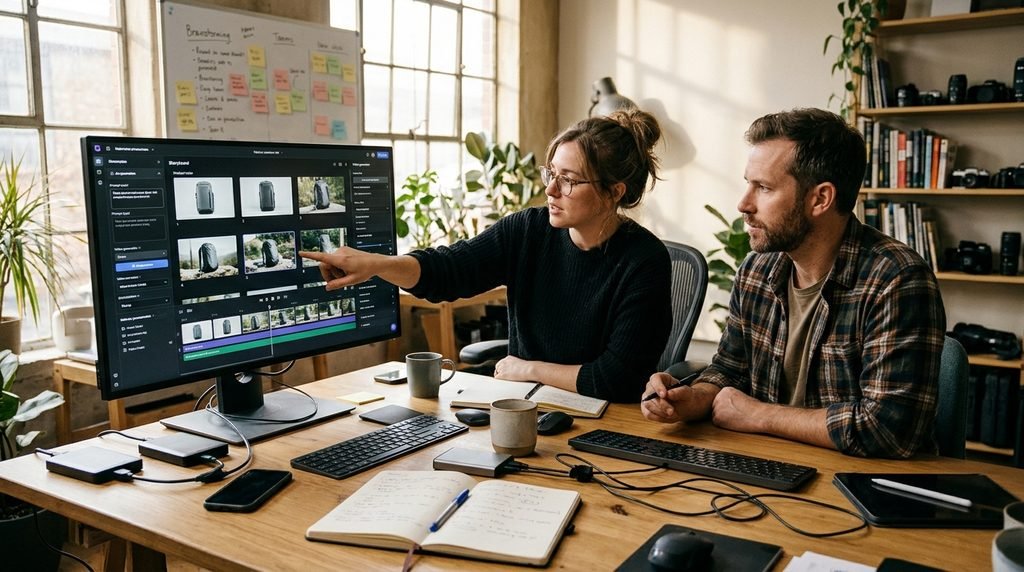
Within a commercial video workflow, Kling can be a useful tool, especially when the project itself requires short visual sequences, rather than a long film without breaks.
AI-generated clips might be used as visual content in brief videos by social media creators, provided that the output meets platform requirements and any applicable disclosure rules.
Image to video generation and multi-shot sequences can be advantageous for e-commerce companies for product showcases. However, the appearance of the product must be correct – do not publish a generated clip that inappropriately changes the shape, color or functionality of the real item.
Kling helps small advertising teams come up with initial ideas, explore different scenes and produce draft advertisements. This may eliminate some production work but the checks for quality and editing are still needed.
Kling is an excellent choice for freelancers and agencies working on projects with a clear brief, specific deliverables, and adequate time for revisions. Before you take on client work, check for commercial rights, usage restrictions and the terms that apply to the selected plan.
For a Kling 3.0 review focused on client work, the key question is whether the output survives a real review process — and that depends on your brief and budget.
7. Who Should Look at Kling 3.0?
It could be a good fit for:
- Content creators of short-form video
- Companies look at using AI-generated product images
- Advertising concepts developed by marketing team
- Freelancers who want more options for visual production
It may be less appropriate for:
- Projects that require perfect detail in every frame
- Long sequences needing accurate continuity
- Productions that cannot withstand erratic changes
- Users who need a single generation to be guaranteed
The best option will depend on the project, budget and the level of quality control you need.
Final Verdict: Is Kling 3.0 Worth It?
Kling VIDEO 3.0 has a few handy features for making short AI videos, including multi-shot generation, optional native audio, and high-resolution output options. These features can assist creators in building product visuals, social media videos and ad concepts.
But resolution is not the only factor in the quality of the output. Additional important factors to consider are prompt accuracy, motion consistency, credit consumption, how much editing is needed, and commercial licensing terms.
For a creator and small teams, a practical approach is to launch a small test project, analyze the results and calculate the real cost of creating a final clip that meets their quality requirements.
Frequently Asked Questions
Does Kling 3.0 support 4K video?
Yes — as noted earlier in this Kling 3.0 review, the VIDEO 3.0 series has a native 4K option.
How long can Kling 3.0 videos be?
VIDEO 3.0 series can generate up to 15 seconds in applicable workflows. The available duration depends on the mode.
Can I use videos made by Kling commercially?
Commercial-use rights are subject to the applicable plan, licence and terms. You may use content created by you for paid advertising or client projects. Please check the terms that apply to your account.
Is Kling 3.0 available for free?
Kling is free or entry-level to use, but the available credits and restrictions are subject to change. Refer to the official website for up to date conditions.
How does Kling 3.0 compare to Runway and Veo?
There’s no clear victor. Look at the tools with identical prompts, target resolution, output requirements and budget. The best model is the one that always gives acceptable results for your own specific project.