
Does a Smart Home Work Without Internet? What to Expect

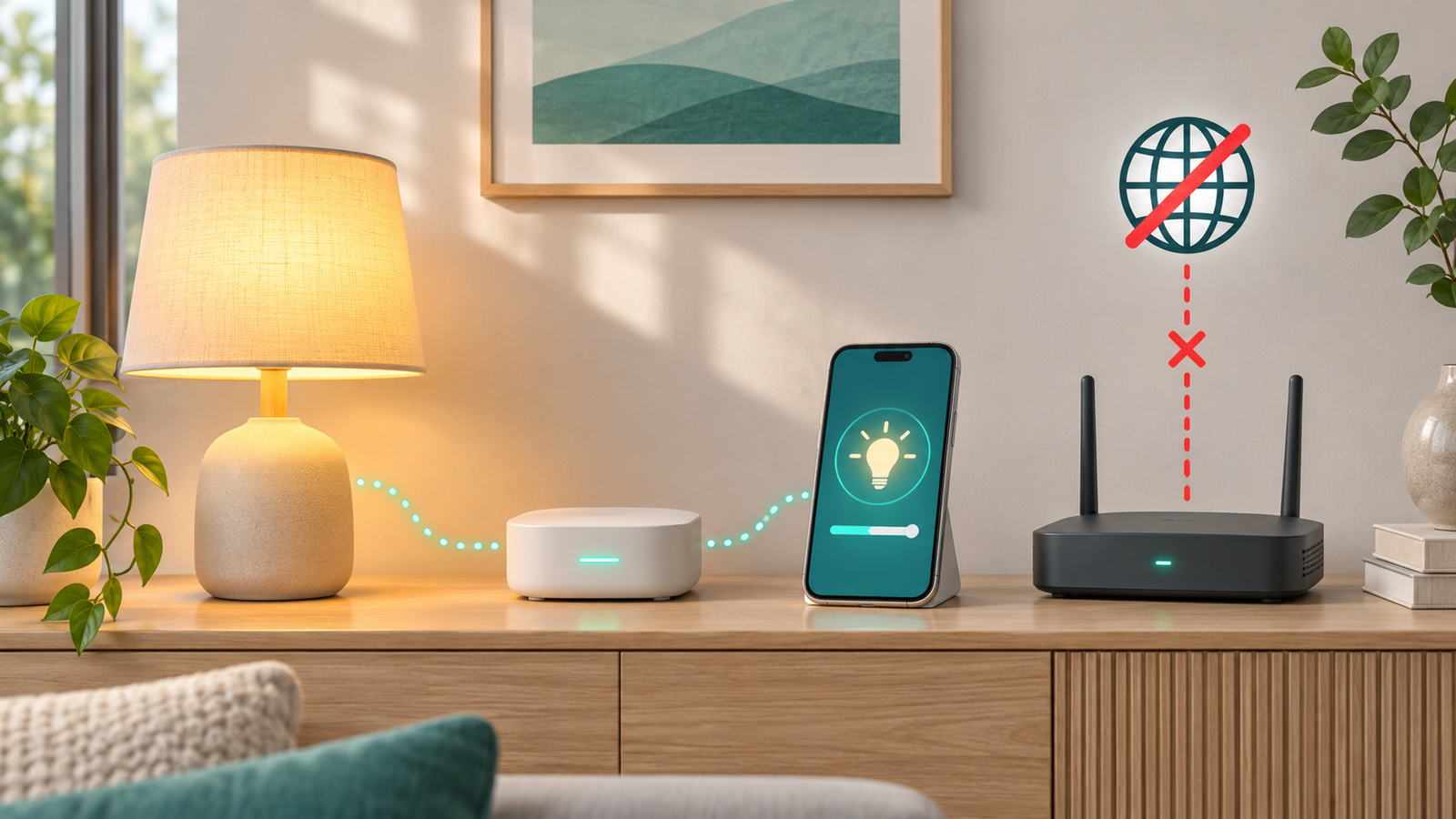
You can use a smart home without internet if its devices and controllers support local operation. However, cloud-based features may stop, and a power cut creates a different problem from a broadband outage. The answer depends on the complete setup, not simply whether a device has Wi-Fi.
Before replacing a working gadget, check what actually fails when the internet connection disappears. A light may still respond to its wall switch while its remote app stops working.
Quick answer: what might keep working?
| Function | During an internet outage |
|---|---|
| Physical buttons and switches | May remain usable; check the device’s design |
| Local device control | Can continue if the required network, controller and devices remain powered |
| Cloud-dependent routines | May fail when they cannot reach the service |
| Access from outside the home | Depends on the remote-access method and connectivity |
| Security-camera recording | Depends on the model, storage and power source |
| Online voice or AI services | Do not assume availability without internet |
These are conditional expectations, not test results for every product. Ask about the specific function you need, rather than whether the whole system is simply “offline compatible.”
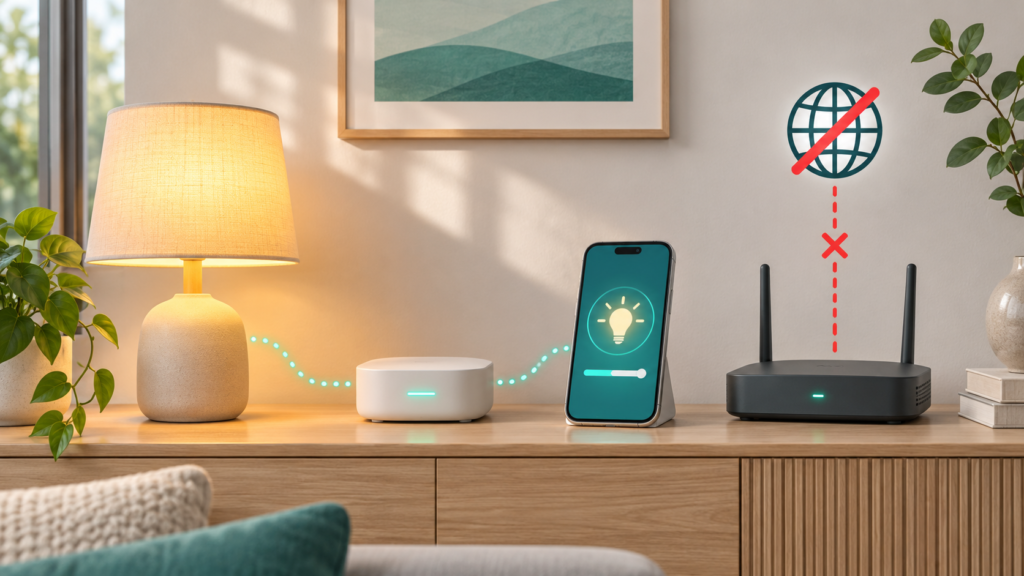
Internet, Wi-Fi and electricity are separate dependencies
Your home network can remain available even if the broadband connection fails. Devices may still communicate locally through a powered router or another supported network.
If the router loses power, that local path may disappear too. A battery-powered sensor can remain alive while the hub that processes its messages is off.
That distinction matters when planning for outages in Bangladesh, winter storms in North America or a routine service interruption in the UK. Identify the equipment your particular setup needs before buying backup power.
Local control versus cloud control
A local integration communicates directly with a device through your home setup. A cloud integration relies on a remote service for the relevant communication.
Home Assistant distinguishes these approaches through classifications such as Local Push, Local Polling, Cloud Push and Cloud Polling. Its integration-classification explanation describes cloud integrations as requiring an active internet connection.
The practical lesson is to check individual integrations. Installing a local controller does not automatically remove a connected product’s cloud dependency. Initial setup, updates or optional features may have different requirements from everyday control.
Does Matter make a smart home work without internet?
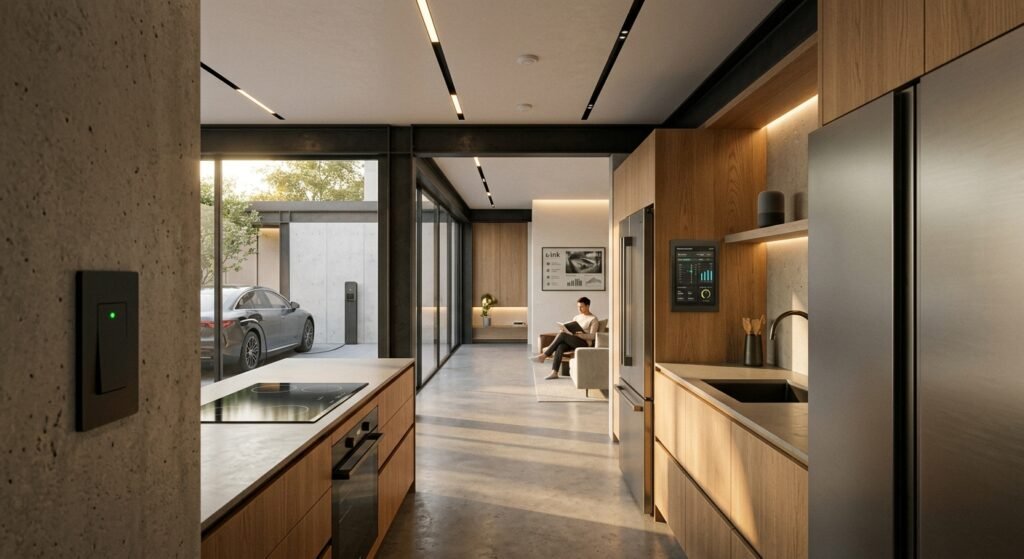
Matter provides a local connectivity and control path for compatible devices. Google describes this in its Matter overview, which also explains that supported network technologies include Wi-Fi and Thread.
That makes Matter relevant to offline operation, but not a guarantee that every function works without internet. Your controller, network and devices still need to operate, and an ecosystem’s additional services can have separate requirements.
When shopping, ask: “Can this controller operate this device locally after setup?” Then ask which app functions, routines and remote features are excluded. Those questions are more useful than accepting a broad compatibility logo as the complete answer.
Cameras need a separate check
Do not assume that an offline camera either records everything or records nothing.
Google documents limited internal event storage for selected Nest cameras and doorbells. Its recorded-video storage guide lists supported models and explains that they can upload stored events after reconnecting. It also distinguishes being offline while powered from losing power entirely.
This is not equivalent to unlimited continuous local recording. Before relying on a camera, confirm the exact model, recording type, storage limit, power requirement and whether footage can be accessed during the outage.
How to assess your smart home without internet
Start with documentation and a low-risk demonstration:
- List important functions. Include lights, heating controls and cameras, but assess safety-critical equipment separately with its provider.
- Read the device and controller documentation. Look for offline operation, local control and outage behaviour.
- Identify dependencies. Note the hub, router, border router or recorder required for each function.
- Test a nonessential device safely. For example, ask the installer to demonstrate a spare lamp’s local control while the internet connection is unavailable and the local network remains powered.
- Restore normal connectivity. Confirm that routines and remote access resume as expected.
Do not disconnect a household security, medical or essential control system merely to experiment. Do not change router settings you cannot restore, and avoid factory-resetting devices as an offline test.
For the phone used to administer your home, our smartphone data-security guide covers account and backup preparation.
Before buying another device
Ask the seller or manufacturer to confirm:
- Which controls work locally after setup.
- Whether schedules run on the device, hub or cloud.
- What happens after power returns.
- Whether essential functions require a subscription.
- How updates and service support are handled.
If backup power is important, identify the full chain of equipment and get advice on compatible capacity and installation. Keeping one device powered does not guarantee the rest of the system remains usable.
Choose reliability around the tasks you need
A smart home without internet is possible for selected functions, but it needs deliberate device and controller choices. Keep convenient physical controls where available, document dependencies and verify behaviour before relying on an automation.
Start with one useful task that continues during an outage. Expand only when you understand what the next device adds and what it depends on.





1 Comment
[…] you want your phone to be reliable, responsive and working for years to come then you need to maintain good phone battery health. Phone batteries […]
Comments are closed.