Phone Battery Health: 10 Practical Tips to Extend Battery Life

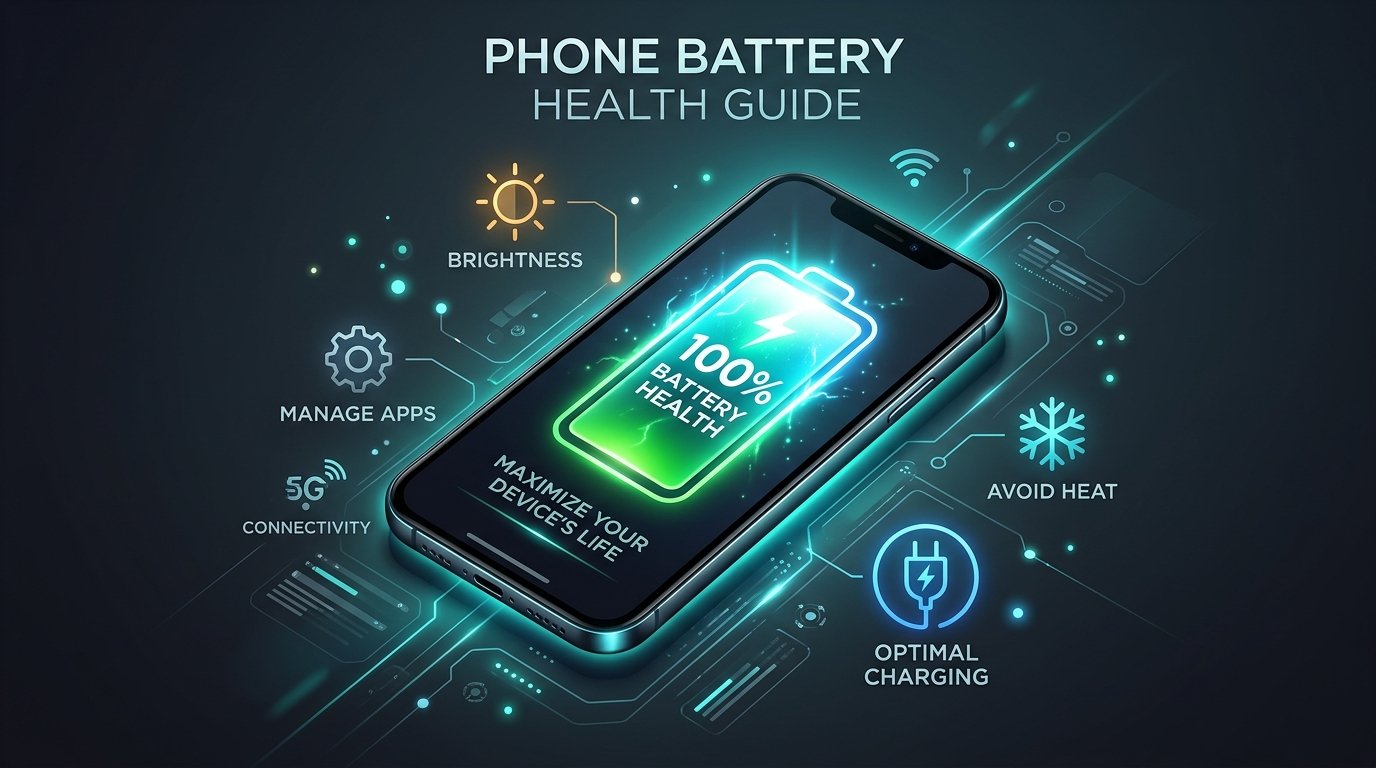
If you want your phone to be reliable, responsive and working for years to come then you need to maintain good phone battery health. Phone batteries naturally lose some of their capacity with normal chemical aging over time. But your daily habits, how you charge, and the conditions around you dictate how quickly that degradation happens.
Overheating, heavy multitasking while plugged in, knock-off adapters and constant 0% deep discharges all place unnecessary strain on internal cells. Fortunately, a couple of proactive charging habits will save your device’s overall life and give you the longest possible runtime.

10 Tips To Keep Phone Battery Health
1. No normal 0% deep discharges
You don’t have to wait until your device is turned off to plug it in. Modern smartphones use lithium-ion or lithium-polymer batteries, which don’t have the “memory effect” that plagued older nickel-cadmium cells. If you discharge a battery all the way down to 0 % it puts a lot of chemical stress on the anode and cathode . For a technical description of the way charge cycles cause chemical degradation, see Battery University’s Lithium-Based Battery Guide
2. Never Leave the Charge at 100% for Long Periods
Charging to 100% isn’t bad if you’re going to use it right away, but if you leave a device plugged in at 100% for days, or let it sit at full charge, the stress adds up over time. If your device allows, consider putting regular top-ups a bit below max when at your desk.
3. Don’t leave your phone in extreme heat
The single fastest driver of permanent battery degradation is thermal stress. Avoid leaving your phone in direct sunlight, on a hot car dashboard or inside an unventilated storage pouch. If the chassis is abnormally hot during setup or on high-ambient days, suspend resource-intensive tasks until the temp is back to normal.
4. Use Certified Power Bricks and Cables
Use the original charger from the manufacturer or a trusted 3rd party charger that is certified by reputable organizations such as USB-IF or MFi. cheap unbranded charging bricks often deliver unstable current, inconsistent voltages and lack basic surge protections to help protect your battery.
5. Don’t Ask For Jobs While Recharging
When playing graphic-intensive mobile games, streaming high-resolution video or recording multi-minute 4K clips while plugged into a fast charger, compound heat is generated from both the processor and the battery charging circuitry. Complete charging on the phone before you start playing heavy games.
6. Activate Built-In Battery Protection Settings
Most modern mobile operating systems have features like “Optimized Battery Charging,” “Adaptive Battery,” or an 80% charge limiter. These tools learn your charging habits and delay that last part of charging until just before you normally unplug.
7. Turn off unnecessary background app activity
Apps that track your location in the background, sync automatically and often, or aren’t optimized will silently sap your battery throughout the day. Check your battery settings menu to restrict background execution permissions of rarely used secondary apps.
8. Adjust Screen Brightness and Refresh Rates
The display panel is usually the largest single consumer of stored power. If you have auto-brightness on you can see well outside without cooking the panel at full brightness indoors. A shorter screen timeout also saves a lot of power during a full day of work.
9. Store dormant devices at moderate charge levels
If you’re going to be storing a secondary smartphone or backup device for a number of weeks, don’t leave it at 0% or 100%. Store it in a cool, dry environment with around 50% charge to minimize passive chemical strain. For a look at how modern hardware fares over long-term use, take a look at our guide to choosing durable smartphones.
10. Don’t Obsess over Routine Capacity Drops
Loss of battery capacity is a normal physical reality for consumable electronics. A drop of 1 to 2% over several months of normal use is perfectly normal. But if you experience unusual physical swelling, extreme heat during idle states or abrupt shutdowns at 20% charge, then cease using it and go to an authorized repair center.
What damages phone battery health the most?
If you want easy maintenance without complicated daily procedures, then these three core factors should be the top of your list:
- Thermal Management: Keep handset within normal operating temperatures.
- Stable Power Delivery Use clean, certified cables and power adapters.
- Cycle Distribution: Top off device periodically, instead of running the full 0% to 100% cycle extremes.
You don’t have to be monitoring or micro-managing your phone battery health constantly. All of these will help extend the life of your smartphone’s battery over the entire operational lifecycle. Use your device’s built-in software protections, avoid extreme heat, and use certified accessories.