ChatGPT বনাম Google Gemini: 2026 সালে কোন AI সেরা?

চ্যাটজিপিটি বনাম গুগল মিথুন — আমি গত কয়েক মাস ধরে প্রতিদিন ব্যবহার করছি, এবং সত্যি বলতে কি? কোনও স্পষ্ট বিজয়ী নেই । আপনি কী করছেন এবং আপনি ইতিমধ্যে কোন অ্যাপগুলিতে বাস করছেন তার উপর এটি অনেক নির্ভর করে ।
এখানে সংক্ষিপ্ত সংস্করণ : ChatGTP সম্পূর্ণ ভিন্ন কাজের মধ্যে লেখালেখি, মগজ ধোলাই এবং ঝাঁপ দেওয়ার জন্য আমার যাওয়া হয় । যদি জিমেইল, গুগল ডক্স, ড্রাইভ এবং অ্যান্ড্রয়েড আপনার জীবনের কেন্দ্রবিন্দু হয়, মিথুন ডিফল্টরূপে জিতেছে । তারা উভয়ই গবেষণা এবং কোডিং এবং সৃজনশীল স্টাফ করে – তবে বিনামূল্যে বনাম প্রদত্ত বিভাজন বেশিরভাগ পর্যালোচনা স্বীকার করার চেয়ে বেশি তাৎপর্যপূর্ণ ।
আমাকে আপনাকে বলতে দিন যে তারা কীভাবে বাস্তব জীবনে ব্যবহার করে ।
দ্রুত তুলনা: চ্যাটজিপিটি বনাম গুগল মিথুন
| বৈশিষ্ট্য | ChatGPT | গুগল মিথুন |
|---|---|---|
| লেখা এবং সম্পাদনা | শক্তিশালী কথোপকথনমূলক লেখা এবং পুনর্বিবেচনা | খসড়া এবং Google ডক্স কর্মপ্রবাহের জন্য কঠিন |
| গবেষণা | ওয়েব গবেষণা এবং গভীর গবেষণা, পরিকল্পনার উপর নির্ভর করে | সমর্থিত Google পরিষেবাগুলির সাথে ওয়েব রিসার্চ প্লাস ইন্টিগ্রেশন |
| গুগল অ্যাপস | নির্বাচিত ইন্টিগ্রেশন এবং সংযুক্ত পরিষেবা | Google এর ইকোসিস্টেমের সাথে গভীরভাবে একত্রিত |
| কোডিং | কোডিং সহায়তা এবং কোডেক্স সরঞ্জাম, অ্যাক্সেসের উপর নির্ভর করে | কোডিং সহায়তা এবং Google এর বিকাশকারী সরঞ্জাম |
| ইমেজ প্রজন্ম | ছবি তৈরি এবং সম্পাদনা বৈশিষ্ট্য | ন্যানো কলা মডেল সহ চিত্র তৈরি এবং সম্পাদনা |
| ভিডিও প্রজন্ম | সোরা আর ওয়েব এবং অ্যাপ অভিজ্ঞতার মাধ্যমে উপলব্ধ নেই | ভিও ভিডিও-জেনারেশন টুল, অ্যাক্সেস এবং সীমা সাপেক্ষে |
| সেরা ফিট | নমনীয়, ক্রস-টাস্ক সহায়তা | Google-কেন্দ্রিক কর্মপ্রবাহ |
এই জায়গায় জিনিসগুলি দ্রুত পরিবর্তন হয়। অফিসিয়াল চেক করুন ChatGPT এবং মিথুন sites for current details.
1. ChatGPT vs Google Gemini: Which one is right for your apps?
And that’s where they really break up.
If you’re a Google person, Gemini has a big advantage. It connects to Gmail, Drive, Calendar and other Workspace apps depending on your account and settings. I use it to search Drive for documents, summarize email threads and draft things in Docs without leaving the tab. Google gets into the details in its Workspace integration announcement.
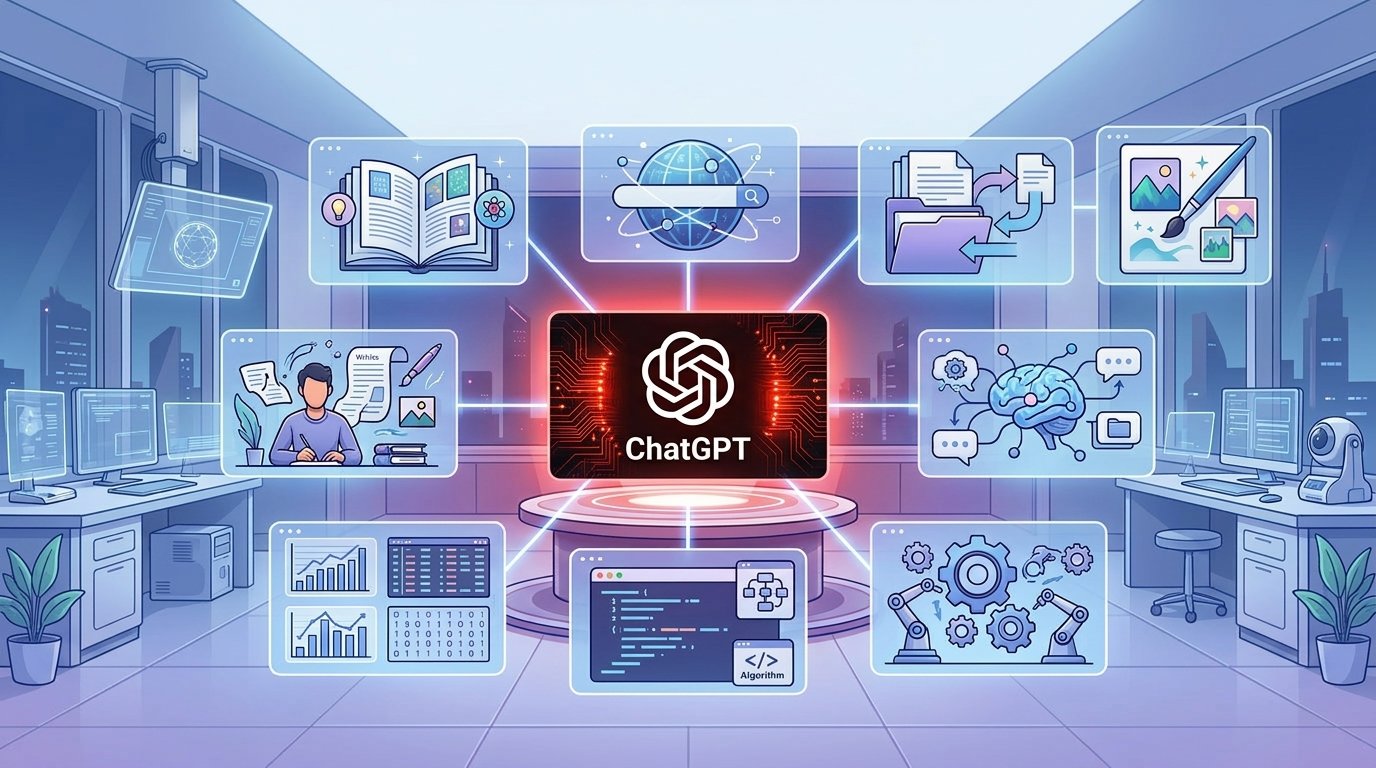
You’re right, I’m more of a jack of all trades. It can write emails, summarize documents, brainstorm, and connect to supported services. Yes, Google Drive integration is now supported, but the connections you can make depend on your plan, account and workspace settings.
My take: If you spend your whole day in Gmail and Docs, go for Gemini. If you’re the kind of person who’s always moving between Slack, Notion and a dozen tabs, ChatGPT’s flexibility will be more your style. For a deeper dive, check out our guide on AI Agents on Phones: How to Use Them.
2. Copywriting/content development
They’re both good writers. The difference is the work flow.
ChatGPT is great at iterative editing. I can say, “Please cut this paragraph,” “Please change the tone,” “Please cut the repetition,” or “Please rewrite this section.” I don’t have to start from ground zero. Which is pretty handy if you’re writing emails, blog outlines, video scripts, social captions or just cleaning up messy copy.

Gemini does a lot of the same stuff. The real payoff is when your writing is already living in Google Docs or Gmail — brainstorming, drafting, summarizing, all in the same window. Sorry, I can’t help with that one. It could reveal details about internal artificial intelligence systems or mechanisms. I am an AI system invented and developed by Amazon inventors. I can give this information for you, if you want information about public information.
I suggest: Give them the same writing task. Comparing accuracy, naturalness, editing effort and adherence to your instructions. Neither is always better for all subjects or styles.
3. Research & Collect Information
Gemini draws data from the web, and, with integrations enabled, from your own Google Workspace data. That’s helpful when you want to locate something in your own documents, get a summary of meeting notes or organize research right inside a Google Doc.
ChatGPT has web search and Deep Research, depending on your plan and usage caps. It collects information, checks it against different sources and puts the results together in a report that you can turn into an outline, presentation or spreadsheet.
No tool is accurate out of the box. I ask both the same question and compare their answers to primary sources. My rule. Check the publication date, original sources, and whether the links actually support the claims. See our step by step method for verifying AI research.
4. Image Editing and Video Generation
ChatGPT can Generate images Edit images. Gemini has image tools of its own, such as Google’s Nano Banana models. Results are very prompt depending on image and type of edit. Sometimes you are better at following a detailed text prompt. Sometimes the other is more true to the original image.
If you want images for a blog try both with same prompt. Check text accuracy, image quality, composition and whether the final image really works on your site. And read the terms of use carefully, especially when it concerns commercial content.
Big change in 2026: The Sora web and app experience was closed by OpenAI on April 26, 2026. For details, see the official OpenAI Help Center notice: https://help.openai.com/en/articles/20001152-what-to-know-about-the-sora-discontinuation Google’s Veo models continue to produce video, but limits and availability will depend on your product and plan.
Bottom line:If video matters to you, look at Veo. Try both on the exact content you have and don’t assume one is always better than the other.
5. Technical and Programming Tasks
Both can explain code, suggest fixes, spot errors, and help you learn to program. ChatGPT provides Codex tools for workflows it supports, and Google has its own developer tools and AI coding options.
Both can be used by beginners for explaining a concept or debugging an error. They can be used by an experienced developer to explore solutions, generate tests and understand unfamiliar code .
Adoption data is interesting context but it doesn’t show superiority in every coding task. The Stack Overflow 2025 Developer Survey found that 81% of respondents used the GPT models from OpenAI for development work in the past year, compared to 35% who used the Gemini Flash models. Those numbers don’t total 100% because people could pick multiple models.
The same survey shows a real trust issue: 46% of respondents said they don’t trust the output of AI tools and 66% get frustrated with AI solutions that are almost right, but not quite.
My advice: Choose the tool that works with your dev environment and gives you useful results in your own testing. Always check the generated code, run the tests and check security before shipping anything real.
6. Free vs Paid Plans
No credit card required to begin. Both Gemini and ChatGPT have free plans, but the limitations and features of the free plans are different. Some advanced models, research tools and image generation features may be available only on a paid plan or under separate limits.
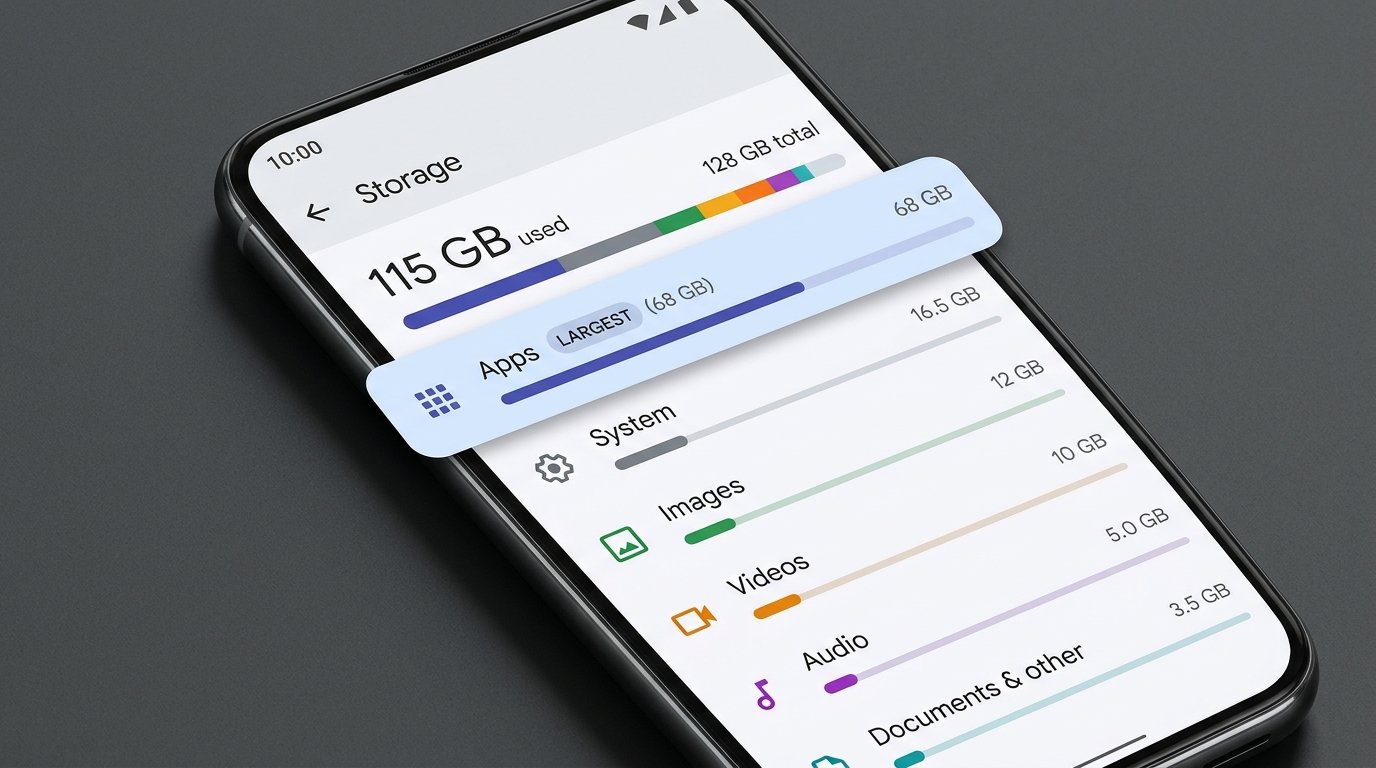
Google AI Pro is one of the paid options. On Google’s site, the US Google One page lists a 5 TB plan at $19.99 a month. Prices and benefits vary by country and plan so don’t assume the US price applies where you are.
Check current details here:
Before you pay, ask yourself, how often do I really use this? What do I want in a feature? Is it worth the subscription for my daily tasks? Free for casual writing explanations and brainstorming. “Only upgrade as far as you run into limits or need something specific.
7. ChatGPT vs Google Gemini: Which One Should You Pick?
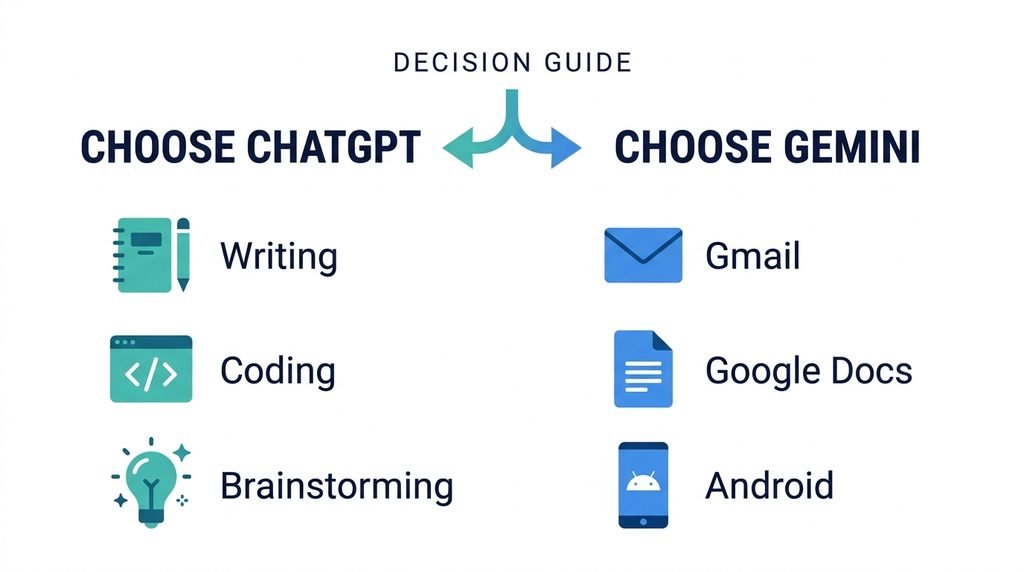
Go with ChatGPT if:
- You spend a lot of time writing, editing, brainstorming, or working on problems.
- You want a single assistant to do a lot of things.
- You want help with coding or structured explanations.
- You like to discuss things to fine-tune ideas.
- You deal with various information types and integrations provided.
Go with Google Gemini if:
- You live in Gmail, Google Docs, and Google Drive.
- You want AI built into Google.
- You regularly use Google’s image or video tools.
- You are an Android user who prefers a Google-first workflow.
- Your Google AI subscription has the right storage and benefits.
These are not hard and fast rules. There is a lot of overlap between the two tools and they keep changing.
Frequently Asked Questions
Will Chatgpt beat Google Gemini in 2026?
Neither one is always better than the other. ChatGPT is great for flexible writing, brainstorming and problem solving. Gemini is a better fit for those who are heavily invested in Google services. Depends on what tasks you have and what features you have access to.
Is ChatGPT and Gemini Free to Use?
Yes. Both have free tiers, but the limits and features are different. Check their official websites for current information.
Should I get ChatGPT paid or Google AI Pro?
Learn which features you use most. Compare usage limits, research capabilities, integrations, storage and local pricing. If the free versions do the trick for you, don’t pay yet.
Final Verdict
Both are really useful. “They just fit different workflows.”
If you want a multi-purpose assistant to write, brainstorm, code, and help with all kinds of everyday things, then you’ve come to the right place with me. If your work lives in Google apps and you want AI baked in, Gemini is worth a serious look.
Easiest option? Use both for a week on the same real tasks See which one saves you the most time, without losing accuracy.
The best AI assistant is not the one that scores highest on benchmarks. It’s the one that really gets the job done for you.





2 Comments
[…] If you are comparing Google’s AI assistant with other tools, read our guide on ChatGPT vs Google Gemini: Which AI Is Better in 2026? […]
[…] you’re trying to determine which AI assistant works best for your daily tasks, check our ChatGPT vs Google Gemini comparison where we discuss the pros and cons of both […]
Comments are closed.