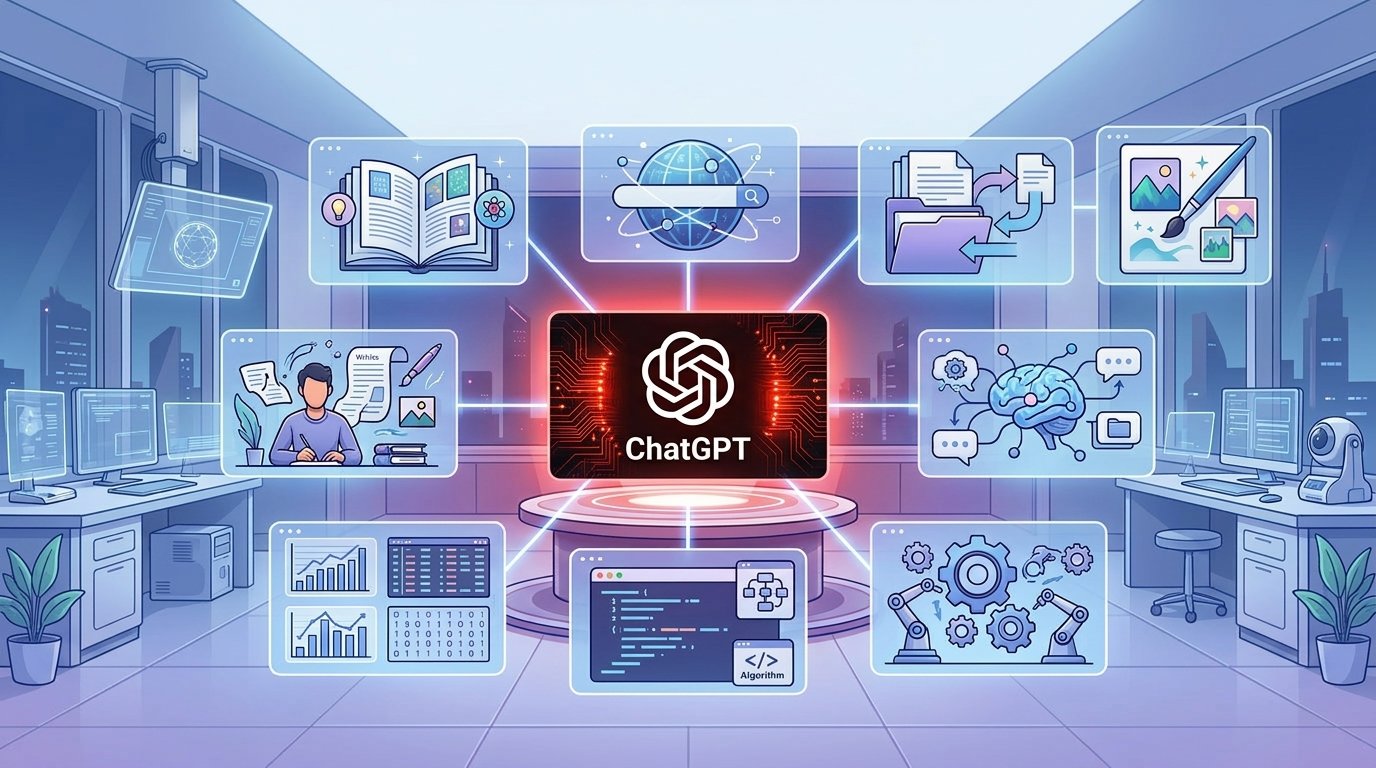
OpenAI Dots: How a 24/7 AI Agent Could Change Everyday Work


AI has already changed the way we search for information, write content and solve everyday problems. Now, with its AI, OpenAI is going in a different direction: an AI agent that can actually do things for you.
“OpenAI Dots is designed to be a personal AI agent that can work toward a goal, not just answer questions. It may be able to use a browser, apps and a cloud computer to do sequential steps with less user input.

What Is OpenAI Dots?
OpenAI Dots is a personal AI agent, that is meant to transcend the traditional chatbot experience.
With a normal AI chatbot, it’s generally something like this:
Question → Response → Next step
How an AI agent works differently:
Goal → Plan → Several actions → Outcome
Dots can run within its own virtual machine or cloud computer. It can communicate with online services and applications by using browser access and plugins. It reportedly can connect to over 4,000 apps via these capabilities.
That means Dots can do more than just find information. It can use that information to do the next steps of a task.
What Can Open Dots Do?
The key thing about Dots is that it can do multi-step tasks.
For example, instead of asking an AI how to prepare an invoice, then doing all of it yourself, an AI agent could potentially gather the needed information, work with connected services and prepare the document.
Potential uses include:
Research and information collection online
Working on different websites
Report generation
Generating invoices and business documents
Gathering data from different sources
Multiple application development
Monitoring of Specific Projects or Tasks
When doing longer tasks
The goal is to lessen the requirement to instruct AI on every tiny step separately.
How Does OpenAI Dots Work ?
You can interact with Dots via the ChatGPT interface. The agent can then work on the task assigned with its cloud computer and browser.
The importance of the cloud-based environment is that it isolates the agent’s work from the main computer of the user. This can give you an extra layer of control if the AI needs to interface with websites or applications.
Reports also state that Dots are permitted to use stored passwords to log into a few websites (with consent), but that the AI model is never exposed to real password.
Biggest change: an always-on AI
One of the most interesting ideas behind OpenAI Dots is the always-on approach.
Traditional AI usually just waits for you to type a prompt. An AI agent can be given a goal and keep working through the steps to get there.
This is a useful feature for freelancers, researchers, small business owners and office professionals who often perform repetitive tasks.
For instance, an agent could assist with research, data gathering, email-related tasks, or document preparation, enabling users to concentrate on critical decisions.
But more independence also means more responsibility. “Getting an incorrect answer from the chatbot is not as serious as an erroneous decision or an incorrect action on the part of the AI.
OpenAI Dots and normal ChatGPT
The main difference is how the AI works.
Normal ChatGPT:
You ask → AI answers → You give another command.
Dots by OpenAI:
You give it a goal → AI determines the path → AI finds the tools at hand → AI strives for outcome
This does not mean Dots can do anything perfectly. AI agents still require monitoring, permissions and user control.
Security Is a Big Concern
The new security challenges that come from having an AI that can browse websites, use apps and take actions.
This is why permissions and user approval are important. Users have to decide what services the AI agent can access and what actions it can perform.
This is even more important for passwords, email accounts, financial services and sensitive business information.
“You also have the risk of prompt injection, or unintended actions with AI agents.” As these systems become more autonomous, ever more powerful safety and monitoring systems will become ever more important.
What Does It Mean for Bangladesh?
Bangladeshi freelancers, content creators, online business owners, and office professionals may find OpenAI Dots useful in the future.
For example, an independent worker who spends hours gathering information, doing reports and doing routine work a client has given them could probably use an AI agent to automate some of that workflow.
But users should be wary of providing an AI with access to passwords, financial accounts, private emails or sensitive business information.
Abstract
OpenAI Dots is a step toward AI which does more than just answer questions, but can actually work toward getting tasks done.
If AI agents become skilled at using browsers, apps and online services, they could change how people use computers and smartphones.
But more AI independence also means better security, clear permissions and strong user control.
Today we ask AI, “How do I do this?”
The future with AI agents like Dots may be more like, “Do this for me.”