AI ফোনের ফিচার: আপনি যা পরিশোধ করেছেন তা কেন ব্যবহার করছেন না

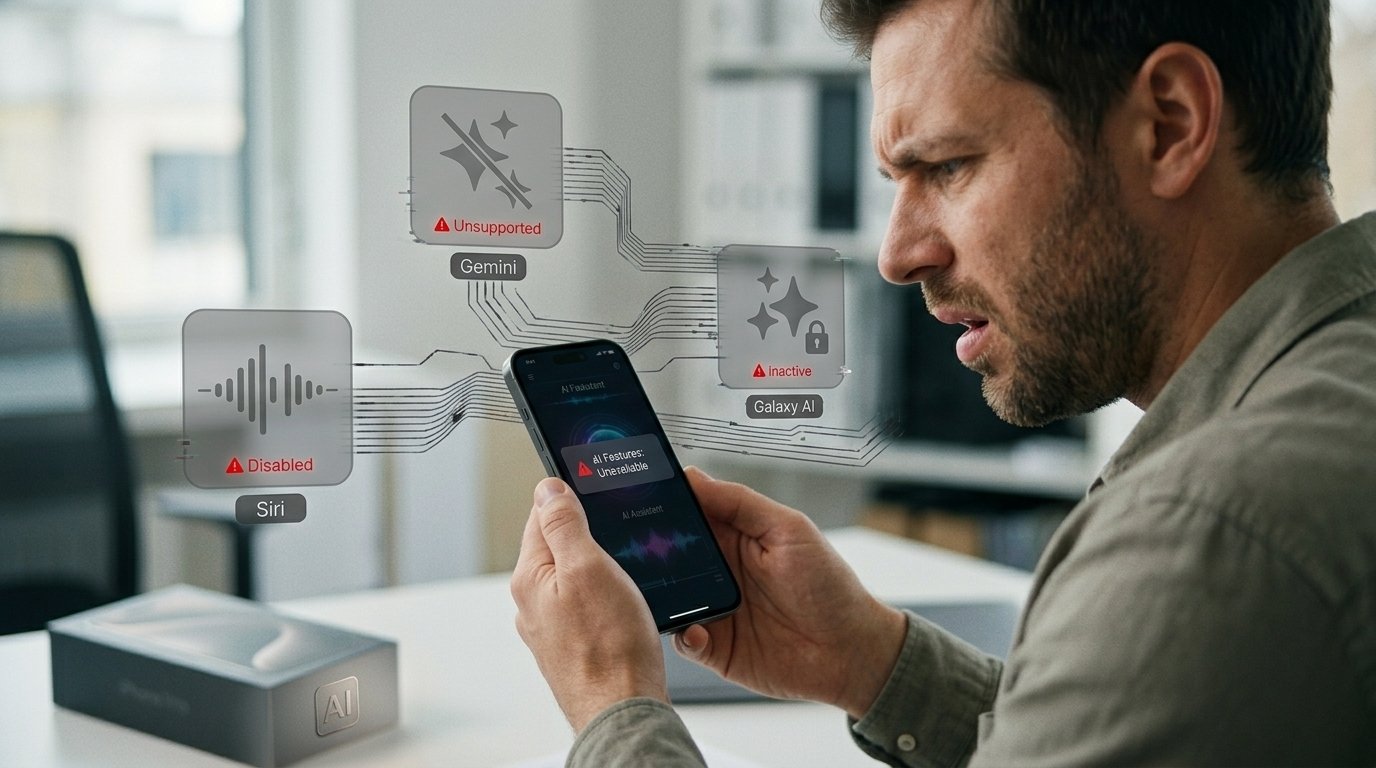
দ্রুত উত্তর: আপনি AI ফোন দিয়ে একটি ফোন কিনেছেন বৈশিষ্ট্যগুলি, কিন্তু আপনি এখনও এটি নিয়মিত হিসাবে ব্যবহার করছেন স্মার্টফোন — এবং আপনি একা নন । এ কারণেই এই বৈশিষ্ট্যগুলি এত অর্থহীন বলে মনে হয় এবং আপনি এটি সম্পর্কে আসলে কী করতে পারেন ।
আপনি যে ফিচারটি সম্পর্কে ভুলে গেছেন
আমাকে আপনার সম্পর্কে অকপটে অনুমান করতে দিন ।
আপনি গত এক বছরে একটি নতুন ফোন কিনেছেন । বাক্সে "AI" ছিল । সম্ভবত বড় অক্ষরে । গ্যালাক্সি এআই অ্যাপল আইকিউ । মিথুন এর মতো কিছু ।
এবং এখন? আপনি স্ক্রোল করুন । আপনার লেখা । আপনি একজন ফটোগ্রাফার । আপনি আপনার পুরানো ফোনে একই কাজ করেন ।
AI বৈশিষ্ট্য? আপনি একটি বা দুটি করেছেন । হয়তো আপনি একবার ফটো এডিটর ব্যবহার করেছিলেন । এবং তারপর আপনি তাদের সম্পর্কে ভুলে গেছেন ।
স্মার্টফোন ক্রেতাদের মধ্যে ৮৯ % বলেছেন যে AI ফিচারগুলি তাদের ক্রয়ের সিদ্ধান্তকে প্রভাবিত করে । এটি একটি অবিশ্বাস্য সংখ্যা । আমাদের বেশিরভাগই এআই-এর জন্য অর্থ প্রদান করছেন । আমরা এটি খুব বেশি ব্যবহার করি না ।
কেন স্মার্টফোন এআই একটি ড্র্যাগ
Samsung Reddit 2026-04-19-এ একটি AMA করেছিল । কেউ কেউ জিজ্ঞাসা করেছিলেন যে কোম্পানি কীভাবে এমন গ্রাহকদের সহায়তা করে যারা তাদের ডিভাইসে AI চায় না । বলা বাহুল্য, Samsung-এর প্রতিক্রিয়া ছিল এটিকে "বোঝা" বলা ।
এটি বিবেচনা করুন । আপনাকে বিক্রি করা কোম্পানি এআই জানে যে আপনি এটির দ্বারা ওজন কমিয়েছেন ।
এখানেই সমস্যা । AI phone features today are a collection of disconnected buttons.. Preset tone writing tools. Photo editors that do things you don’t want. Voice assistants that still can’t do the one thing you actually want them to do.
Trusted Reviews put it perfectly: smartphone AI is “Leftovers” compared to standalone tools like ChatGPT or Claude. These tools are updated weekly. Once a year your phone’s AI gets updated.
The Real Reason You Aren’t Using It
The AI on your phone isn’t made for you.
Designed for a product launch. For a spec sheet. “AI-powered” on a marketing slide.
Here’s what really happens. You take out your phone. You want food ordered. You turn on the app. You scroll through the menus. You type in your address. You verify it. Done.
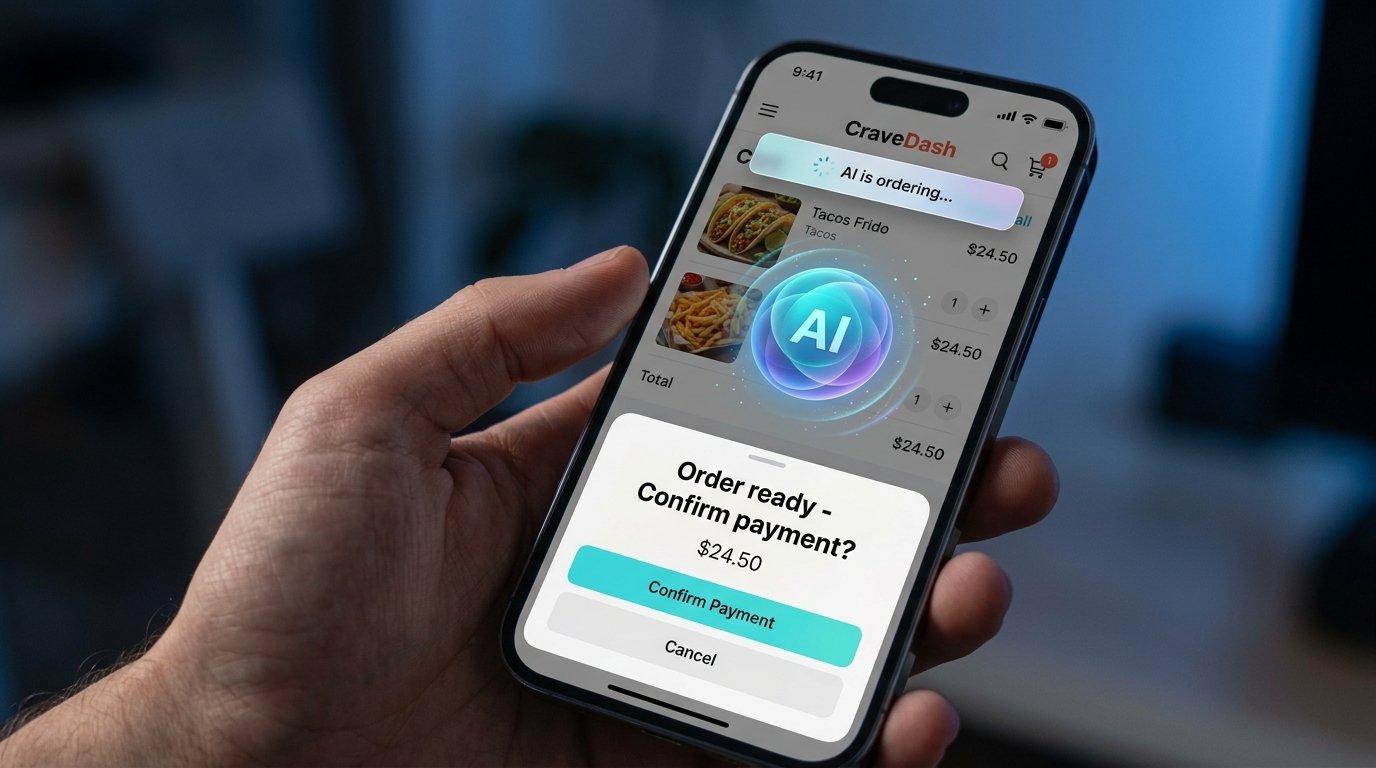
Can AI do this for you? Yes . Gemini by Google can now auto-order food via Uber Eats on Galaxy S26 and Pixel devices You just say what you want and it does the rest.
But here’s the catch. You have to activate it. You’ve got to trust it. You have to remember, it’s there.
And you don’t. ‘Cause you ain’t never been taught how.
The One Feature Rule
Samsung’s own advice is surprisingly honest: “Start with one feature and let it do something for you.
That’s it. That’s the entire strategy.
Don’t try to learn every AI phone features. Don’t watch a 20-minute tutorial. Pick one thing. Use it for a week. If it helps, keep it. If it doesn’t, turn it off.
Three Features That Actually Work Right Now
| বৈশিষ্ট্য | What It Does | How to Use It |
|---|---|---|
| On-Screen Awareness | Siri reads what’s on your screen and acts on it | Say “Copy the caption under this post” while viewing Instagram |
| Smart Calendar | Extracts dates and times from messages | Say “Add this to my calendar” while viewing an invite |
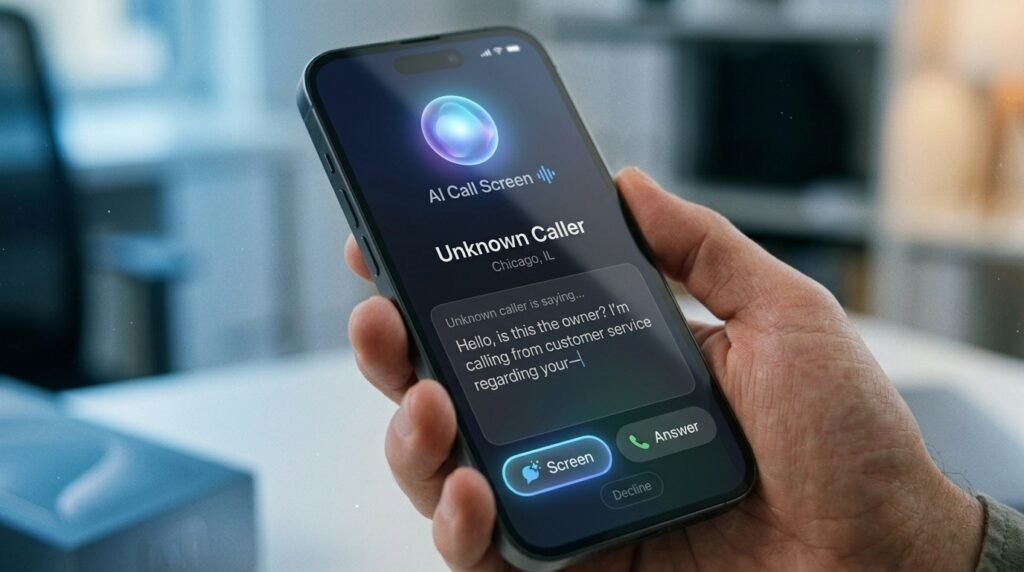
| Call Screening | AI answers unknown numbers and transcribes the caller | Enable in Phone settings; AI handles spam automatically |
These aren’t gimmicks. They remove real friction from your day.
সম্পর্কিত পড়া: What Is Agentic AI on Mobile Phones?
The Trap Is Not The Tech. It’s the Marketing.
This is what no one tells you. Meaningful AI features are boring. They don’t take good pictures. They are no good as launch day demos.
The flashy stuff, making images, rewriting emails in Shakespearean English, is to sell phones, not to help you.
The useful parts—screening calls, pulling up calendar events, summarizing notifications—are invisible when they work. You don’t feel it. You just get a little easier day.
And that’s the trap. You drank the Kool-Aid. You forgot to utilize the steak!
What To Do Right This Minute
OOpen your phone’s Settings. Look for the AI section. See what is on.
Choose a feature. Only one. Turn it on. Take for 3 days.
Samsung Galaxy S26: Get it Now Nudge It listens to your messages and helps by suggesting things like adding events to your calendar, sharing photos and finding locations.
iPhone 17: On-screen awareness try-on. Launch an app. Call up Siri. Ask it to do something with what’s on your screen.
Google Pixel: Try Call Screening. Have Gemini handle unknown numbers for a week.
Three days. That’s enough to know if AI is worth your time.
Common Questions
Why do I feel like I’m not utilizing my ai phone features?
This is the case because most AI features are buried in settings with no clear onboarding. Trusted Reviews has analyzed the issue and found that smartphone AI is like ‘leftovers’ compared to dedicated tools, created for marketing rather than everyday use.
What is the simplest AI phone features to begin with?
Call screening. No need to learn anything. You turn on the AI once and it will automatically handle unknown numbers, transcribe the caller’s intent, and let you decide whether to answer.
Is smartphone AI really useful or just hype?
Both. The flashy features such as image generation and tone rewriting are overhyped. But pragmatic tools like on-screen awareness, smart calendar extraction, and call screening take real friction out of everyday tasks. The trick is to select the right feature.
Do I turn off AI features if I don’t use them?
Samsung is also very much for users to turn off Galaxy AI altogether. “If you want the traditional smartphone experience, there’s no penalty to turning everything off.
AI on smartphones will improve?
Yes. The gap between phone AI and stand-alone tools is closing. ‘Google’s Gemini can now do cross-app tasks on Pixel and Galaxy S26 devices’ Apple is adding more visual awareness to Siri in iOS 27 They are getting better and better, they just aren’t quite there yet.
The Bottom Line
You have paid for AI. It’s sitting in your settings, waiting.
Don’t just scroll by. Choose a feature. Give it 3 days.
You may be surprised.
What’s your experience with AI on phones? Let us know what you think in the comments below. For more on smartphones, check out our other guides at NextTechUpdate.