Budget Laptops for Students in Bangladesh (2026 Guide)

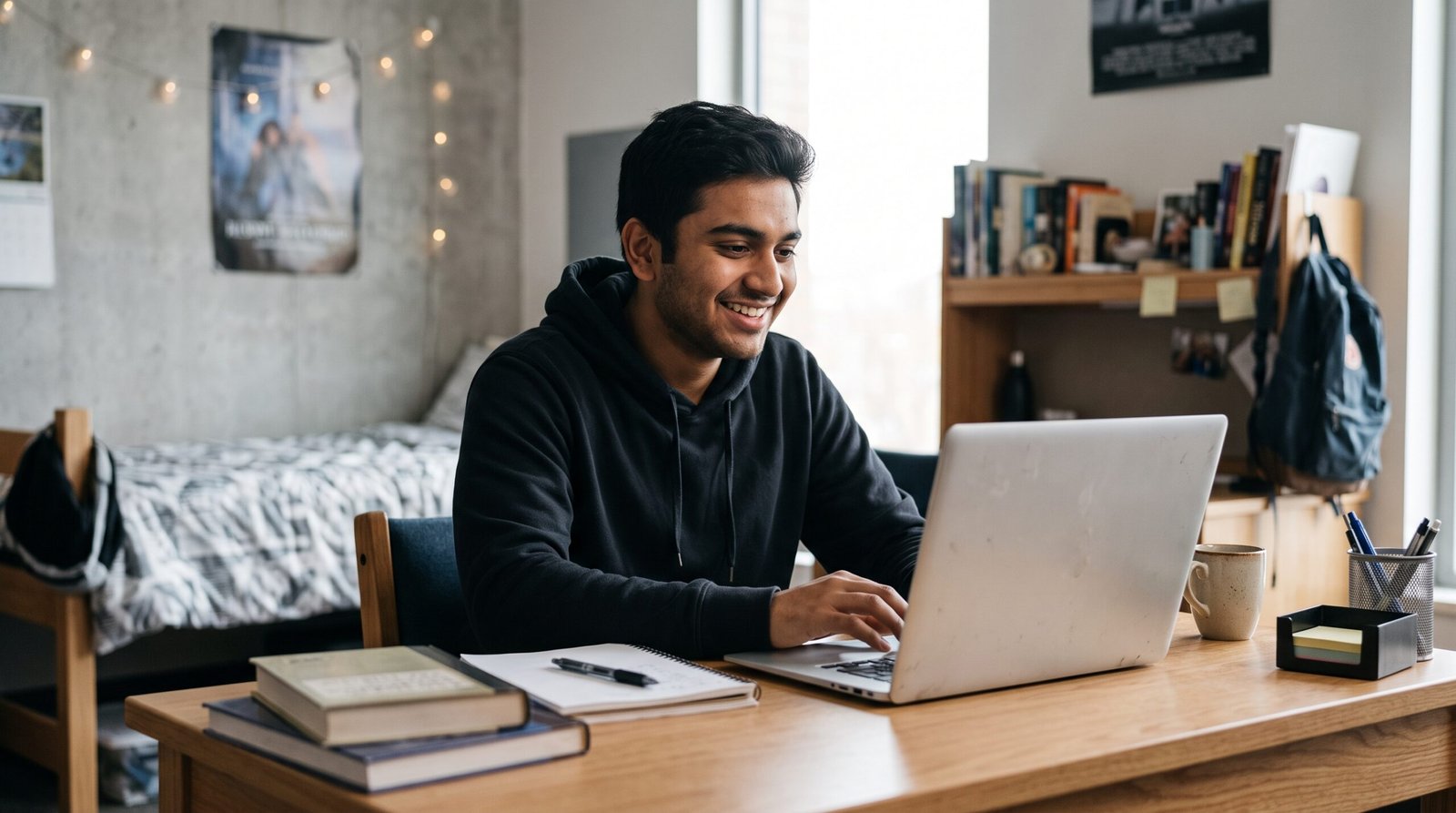
You don’t need to spend a fortune on a laptop for school, college or university. Students need a reliable device for their online classes, assignments, presentations, research and sometimes basic programming. If you are searching for budget laptops for students , then you have arrived at the right place. The good news is these things don’t always need a high end device
But deciding which device to go for can be difficult if you’re on a budget. Some laptops have good specs but bad display or bad battery life. Some are cheap but with very little storage or upgradability.
If you are searching for the best budget laptops for students in Bangladesh, there are five important things to check before you spend your money.
1. Choose the processor you want
The processor determines how fast a laptop can perform everyday tasks. Basic or mid-level processor for basic internet browsing, online learning, document writing and Microsoft Office applications.
Knowing the specific processor model is vital when buying, not just the brand or generation.
For day to day work, a laptop with an Intel core i3 or AMD Ryzen 3 CPU might be a good option for the student. More performance for multitasking, coding and heavier applications can be found in some new Core 5 or Ryzen 5 models, depending on the exact model.
BUYER’S TIP: Search for the exact model number of the processor, and look for independent reviews of how it performs. In all cases a better model does not necessarily mean faster.
2. 8 GB of RAM or higher
RAM is what lets your laptop run multiple apps simultaneously. Students often have multiple browser, pdf reader, document editor and video meeting applications open at the same time.
For basic study work 8 GB RAM is a good starting point. If you want to do any programming, photo editing or multiple demanding applications then 16GB might be a better option.
And see if the RAM can be upgraded later on. Some laptops have the memory soldered to the motherboard so you are limited for future upgrades. As I wrote in my guide How Much RAM Do You Need For a Laptop? 16GB is the new norm for heavy multitasking.
Buying tip: If you have the money, get 16GB RAM. You’ll have more flexibility in the coming years.
3. Select SSD over HDD
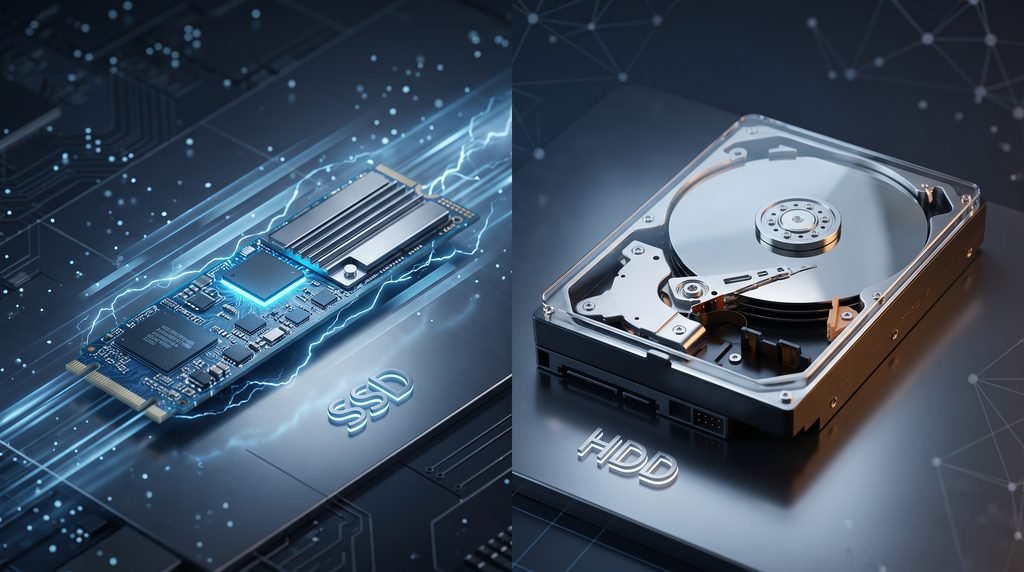
Your storage determines how fast your laptop boots up and opens files. Generally, a Solid State Drive (SSD) is significantly faster than a traditional Hard Disk Drive (HDD).
To learn why this has such a big impact, read my In-depth Comparison: SSD vs HDD: Which Is Better For Your Computer?
For most students, a 256GB SSD is a good starting point. If you download a lot of big files, save lecture videos or install a lot of applications, go for a 512GB SSD.
Use cloud storage or an external drive for additional files, but remember to back up important assignments and documents.
Buying advice: Check the type of storage and upgrade possibilities before buying. Don’t get a used laptop just because it has more storage and is cheaper, if it has a slow HDD.
4. Take into account battery life, weight and screen quality
Students can take their laptops from class to library to home. If you travel every day, a lighter device can be so much more convenient.
If you want it to be portable, look for a laptop that weighs 1.8kg or less. Also, compare manufacturer battery claims with independent reviews, as screen brightness, workload and battery health can all affect battery life.
And the screen matters too. A good rule of thumb is to get a Full HD display with a comfortable brightness for reading documents and taking online classes. Want more display ideas? Check out my guide to choosing a laptop for everyday use.
BUYING TIP: If possible, test the keyboard, touchpad, screen, webcam and charging port before you buy. But many students don’t know how much these features impact day-to-day use.
5. Compare total costs before purchasing
Laptop Price in Bangladesh varies according to the processor, RAM, Storage, Brand, Warranty & Seller. Do not buy the cheapest device on the market, compare different devices in your price range.
Use this simple checklist:
- Compare prices from several reputable retailers.
- Please confirm the model number and specification exactly.
- Check the guaranty terms and make sure the reseller is authorized.
- Can you check the price of upgrading the RAM and SSD?
- Check the return policy and the support service they offer.
Before you buy a refurbished or used laptop, check thoroughly the condition, battery health, warranty and repair history.
If students have very tight budgets, then getting a good used laptop from last generation might be a better value than a new one with very limited specs.
Where Can You Buy a Laptop in Bangladesh?
Where to buy laptop in Bangladesh?
You can also check out laptop models in Bangladeshi computer stores like Star Tech and famous vendors. Please check current price, stock availability, warranty and exact specifications before placing order.
🎁 Students promo code:
If you buy any of these budget laptops for students from Star Tech then you can save some more money! Use our exclusive affiliate coupon code at checkout to receive a discount on your order.
❖ Discount Price: [STADEB] ❖ Order Here: https://www.startech.com.bd/ are no extra charges to use this code. (You get a discount and it supports our blog!)
Ultimately
The key to choosing the best budget laptops for students in Bangladesh is finding the right balance between price, performance, portability and reliability.
Regular School Work: First, compare laptops that have a decent processor, minimum 8GB RAM and an SSD. Check the battery life, screen quality, warranty and upgrade options.
Most importantly, select a laptop based on your real needs and don’t pay for features you may never use.
What’s your budget for a laptop for school? Comment your budget and usage • It can help you find the best choices.



2 Comments
[…] Budget Laptops for Students in Bangladesh (2026 Guide) […]
[…] If you are looking for a more affordable computer, check out our guide to budget laptops for students in Bangladesh. […]
Comments are closed.